
How to Create and Manage QR Codes for Event Badges in Bulk
Learn how to manage large volumes of attendee badges with unique QR codes that can be updated after printing. Learn how to track scan data and manage codes in bulk.

How to Create Unique QR Codes for Each Attendee
The attendee list arrives late, and the printing deadline is looming. You need to create hundreds or thousands of unique codes for each guest. Doing this one by one is not a feasible option. Instead of manual entry, you can use a bulk upload tool. You upload a CSV file containing the names and unique identifiers for each attendee. The system processes these entries and generates a unique QR code for every person on the list. QURL allows you to upload these files and generate codes in bulk. This ensures that each badge will have a unique identifier and that the process takes minutes instead of hours. You can then manage these codes and track their scan data.
Managing Large Volumes of Badges with Bulk Generation
The attendee list arrives late, and the printing deadline is looming. You need to hundred of unique codes for each guest, but you cannot spend hours manually creating them one by one. A single mistake in a manual entry can lead to a frustrated guest at the check-in desk. Creating codes in bulk allows you to upload a spreadsheet of links or names. The system generates every code at once. This means you can move from a list of raw data to printed badges in minutes. Once the codes are live, you can manage them in one place. If a guest's information changes or a link needs updating, you can change the destination of the code without reprinting the badge. The printed code stays the same, but the link it points to updates instantly.
Tracking Attendee Engagement via Scan Data
A scan is a data point. It tells you if a person reached the booth, visited the specific landing page, or interacted with your content. Instead of guessing if your physical assets worked, you can see exactly when and where scans occurred. This data helps you identify which parts of your event were most active. Each scan records the device type and a rough location. This information helps you understand how your audience interacts with your content. You can see if they preferred a mobile device or a desktop, and you can determine the timing of peak engagement. These metrics provide a clear picture of your campaign's performance.
Integrating QR Codes into Your Event Management System
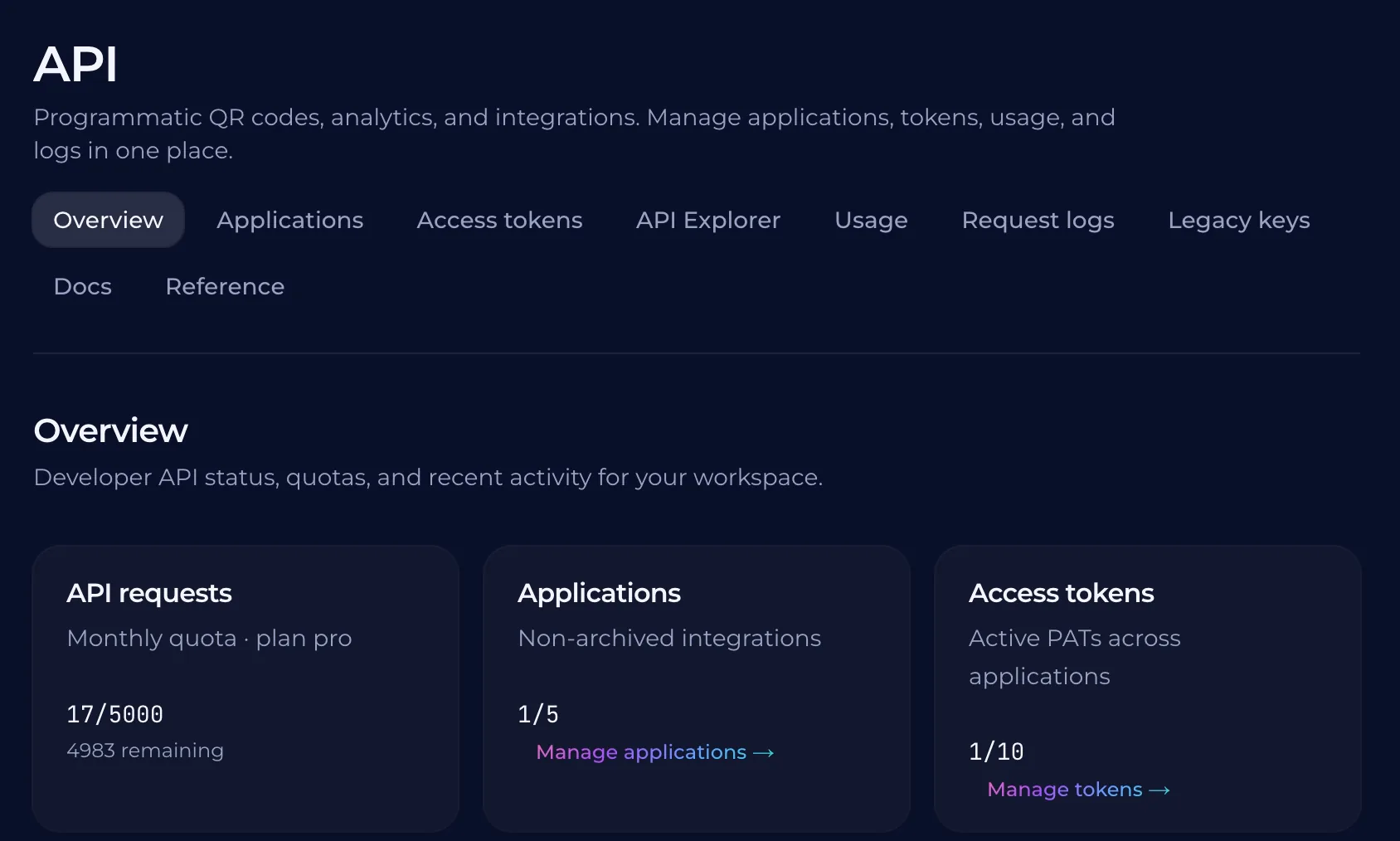
Your event management system likely holds the attendee list. Instead of manually entering data into a separate tool, you can connect your existing database to a QR code generator. This allows you to automate the flow of information from your registration form to the final badge. By using an API, you can generate thousands of codes in a few seconds. This removes the manual labor of creating individual links for every guest. The system handles the volume automatically, so you can focus on the other logistics of your event. hought}<channel|>{
Why Dynamic QR Codes are Essential for Event Badges
A printed badge might lead to a dead link or an outdated promotion. If a guest's profile page is broken, the connection is lost before it starts. Dynamic QR codes ensure that the link remains functional even if the underlying URL changes. You can update the destination without reprinting the badge. When a guest scans a badge to find a schedule or a speaker list, you need that information to be able to reach them. If the schedule changes at the moment of the user, the dynamic link allows you to swap the content instantly. This flexibility prevents as planned changes from becoming a permanent error on a paper badge. Managing a large volume of unique codes is easier when the system tracks the scan data. You can see when and where scans occur, and on what device. This data helps you understand how many people are actually interacting with your event's digital content. You can then use this information to find where to improve the experience.
Common questions
- How many QR codes can I create at once?
- You can create hundreds or thousands of QR codes at once using QURL's bulk creation tool. This allows you to generate unique codes for every attendee or badge, and track each one individually.
- Can I change the destination of a QR code after it is printed?
- Yes, you can change the destination of a QR code after it is printed because QURL uses dynamic QR codes. This means the printed code remains the same while you can update the link it points to in your dashboard.
- Does the QR code on the badge show it?
- No, the QR code does not identify the individual scanner. It records data such as the device type, time of scan, and general location, but it does not capture personal information or identity.
- Can I use a search engine to find a user's identity from a scan?
- QURL records device type, rough location, and time of scan, but it does not collect or share personal identifying information.
Keep reading
- How to Set Up a Unique QR Code for Every Restaurant TableLearn how to use unique QR codes for each table to track table-specific data and optimize your floor plan. This guide explains how to manage these codes in bulk.
- How to Create Unique QR Codes for Every ProductLearn how to create and manage unique QR codes for each product to track individual performance and provide specific landing pages.
- How to Generate QR Codes in Bulk from a CSV FileLearn how to automate the process of creating hundreds or thousands of unique QR codes using a CSV import or an API integration.