
How to Create Unique QR Codes for Every Product
Learn how to create and manage unique QR codes for each product to track individual performance and provide specific landing pages.

Why Every Product Needs a Unique QR Code
A single QR code on a product catalog page tells you very little. If a customer scans a code to view a product page, you cannot tell which specific item they are interested in. You lose the ability to track which products are getting the most attention or which marketing channels are driving the most traffic. When you assign a unique QR code to every individual product, you gain specific data. You can see exactly which items are being scanned and how often. This allows you to see where your inventory is moving and where your marketing efforts are close to be effective. You can then adjust your strategy based on real data rather than guesses.
How to Generate Unique Codes in Bulk
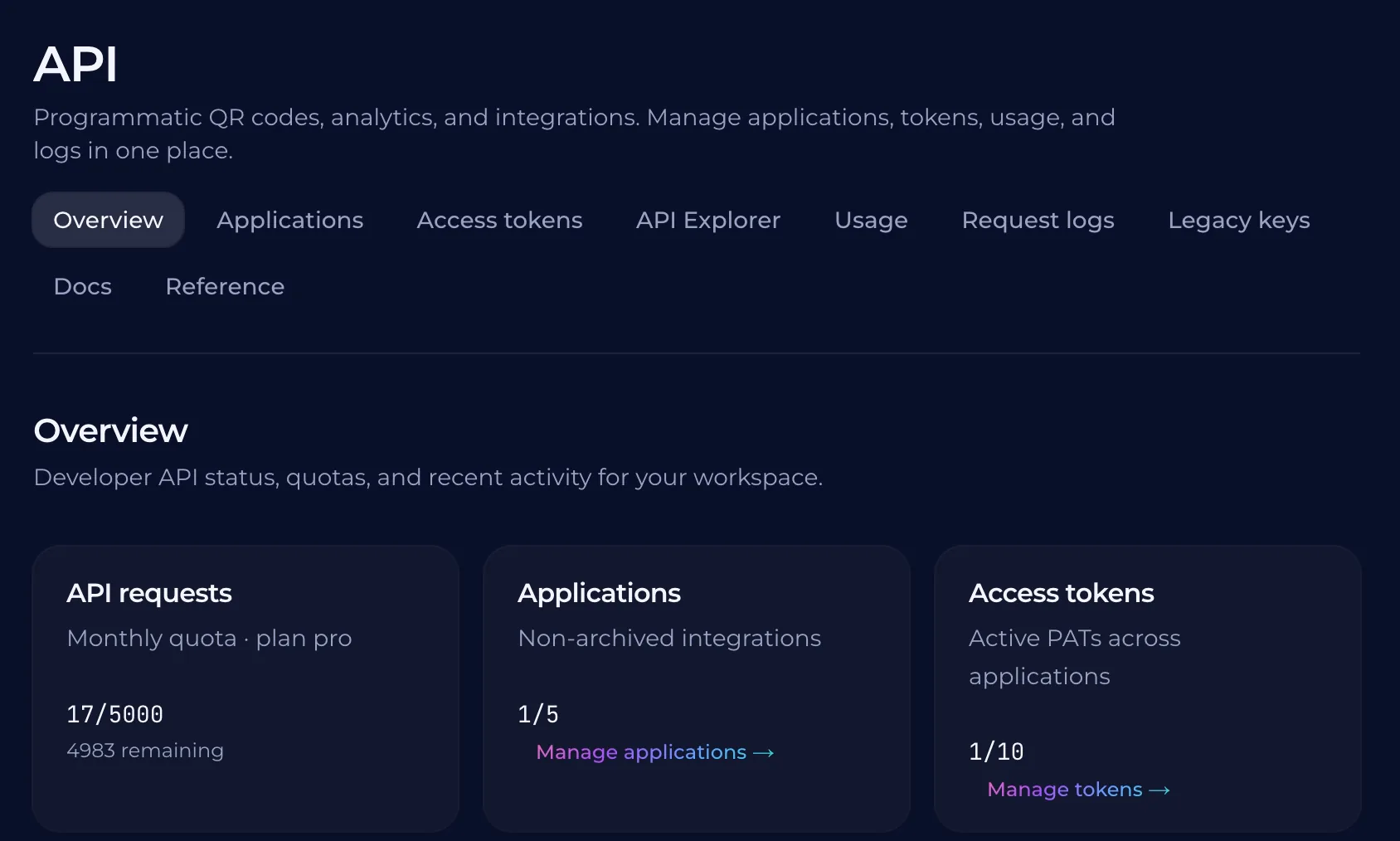
A single QR code on a product label can hide the truth about your sales. If you have fifty items, one code tells you only that someone scanned it. You need a unique code for every item to see which specific product is driving traffic. This allows you to track individual performance and adjust your marketing based on real data. Creating hundreds of codes one by one is not a feasible way to work. You need a system that can turn a spreadsheet or a list of them into a batch of unique codes. This process should be able to handle large volumes without manual entry. A bulk creation tool allows you to generate these codes and assign them to specific products in one go. QURL provides a bulk creation tool and an API for this purpose. You can upload a list of your products to generate codes in bulk, or you can wire the creation process into your own system. This ensures that every product has its own unique identifier and you can manage them all at once.
Tracking Performance for Each Item
A single QR code for a whole catalog tells you nothing. You see that people are scanning, but you cannot tell which product is driving the most interest. You cannot see if a specific promotion is working or if a particular item is running out of stock. When each product has its own unique code, every scan becomes a data point. You can see exactly which items customers are looking at. This allows you to adjust your marketing spend and focus on the products that actually move. QURL provides these analytics for each individual code. You can track the number of scans, the approximate location, and the device type used for each product. This data helps you identify where your inventory is moving and where you need to focus your attention.
Integrating QR Codes into Your Inventory System
A single QR code on a shelf does not tell you which item sold. If you have a warehouse of products, you need a way to link each physical item to a digital record. Integrating these codes into your inventory system allows you to see exactly which products move, where they sell, and when they demand restock. Connecting your system to the QURL API allows you to automate this process. Instead of manually creating codes for hundreds of items, your software can pull data from your inventory database to generate codes automatically. This ensures that every product has a unique identifier that stays consistent even as your stock levels change.
Choosing the Right Platform for Bulk Management
Managing hundreds of unique codes requires a system that handles scale. A manual process of creating one code at a time is slow and prone to errors. You need a platform that allows you to upload a spreadsheet or use an API to generate thousands of codes at once. This ensures that every product in your inventory is linked to its own specific destination. QURL provides these tools for high-volume production. You can create codes in bulk or integrate the platform into your own system via an API. This allows you to manage your entire inventory automatically. The platform tracks the data for each individual code, so you can see exactly which products are getting the attention.
Common questions
- Can I make a unique QR code for each product?
- You can create a unique QR code for each product by generating them in bulk from a spreadsheet or using an API to automate the process. This allows you to track specific items and see exactly which products are customers looking at.
- How do I manage hundreds of different QR codes?
- Managing hundreds of codes requires a system that allows for bulk creation from a spreadsheet or via an API. This allows you to generate unique codes for every product in a catalog, and then track each one individually to see which specific items are going most popular.
- What data can I see from a query code?
- You can see the date and time of each scan, the device type, and the general location of each scan. This information helps you understand when and where your audience is engaging with your content.
- Can I create QR codes in bulk?
- You can create QR codes in bulk by uploading a spreadsheet or using an API to automate the process. This allows you to generate unique codes for every item in a catalog, ensuring each product has its own trackable link.
Keep reading
- How to Set Up a Unique QR Code for Every Restaurant TableLearn how to use unique QR codes for each table to track table-specific data and optimize your floor plan. This guide explains how to manage these codes in bulk.
- How to Create and Manage QR Codes for Event Badges in BulkLearn how to manage large volumes of attendee badges with unique QR codes that can be updated after printing. Learn how to track scan data and manage codes in bulk.
- How to Generate QR Codes in Bulk from a CSV FileLearn how to automate the process of creating hundreds or thousands of unique QR codes using a CSV import or an API integration.