
How to Set Up a Unique QR Code for Every Restaurant Table
Learn how to use unique QR codes for each table to track table-specific data and optimize your floor plan. This guide explains how to manage these codes in bulk.

Why Every Table Needs a Unique QR Code
A guest sits at a corner table and orders a drink. You see the scan count go up, but you cannot tell which table they are used. Without unique codes for each table, a single scan count is just a number. It tells you nothing about the floor plan or where your guests are actually spending their time. Your staff can identify which areas of the restaurant are most active. You can see if a specific section is slow or if a certain table is always empty. This data helps you decide where to place your marketing, where to focus your staff, and how to manage the space effectively. When you use a unique code for every table, you turn a scan count into a floor plan. You move from guessing about guest behavior and start making decisions based on real data. You can see exactly where people are sitting and how they are moving through the space.
How to Track Table Usage and Location
A single QR code on every table might tell you how many people are looking at your menu, but it doesn't tell you where they are sitting. If a guest sits in a corner that is rarely visited, you won't know it. A unique code for each table allows you to see exactly where people are spending their time. This data helps you understand the floor plan. You can see which sections are popular and which areas are feel neglected. You can then adjust your layout or move items to where the rest of the feeling is. You can then adjust your layout or move items to where the rest of the feeling is. You can then adjust your layout to improve the flow of the room.
Managing Bulk QR Codes for Your Venue
A restaurant with fifty tables requires fifty unique codes. Creating these one by one is a waste of time. You need a system that handles the volume without manual entry errors. QURL allows you to generate and manage these codes in bulk. You can create a hundred codes at once and assign each one to a specific table number. This ensures that every table has its own identity before you print the materials for the table tents or menus. Once the codes are live, you can update the destination of any specific table's code. If a table moves to a different section of the user experience, the link can be changed without reprinting. The system tracks which table is being scanned, and you can see which areas of the feeling of the floor plan are most active.
How to Create and Manage Codes in Bulk
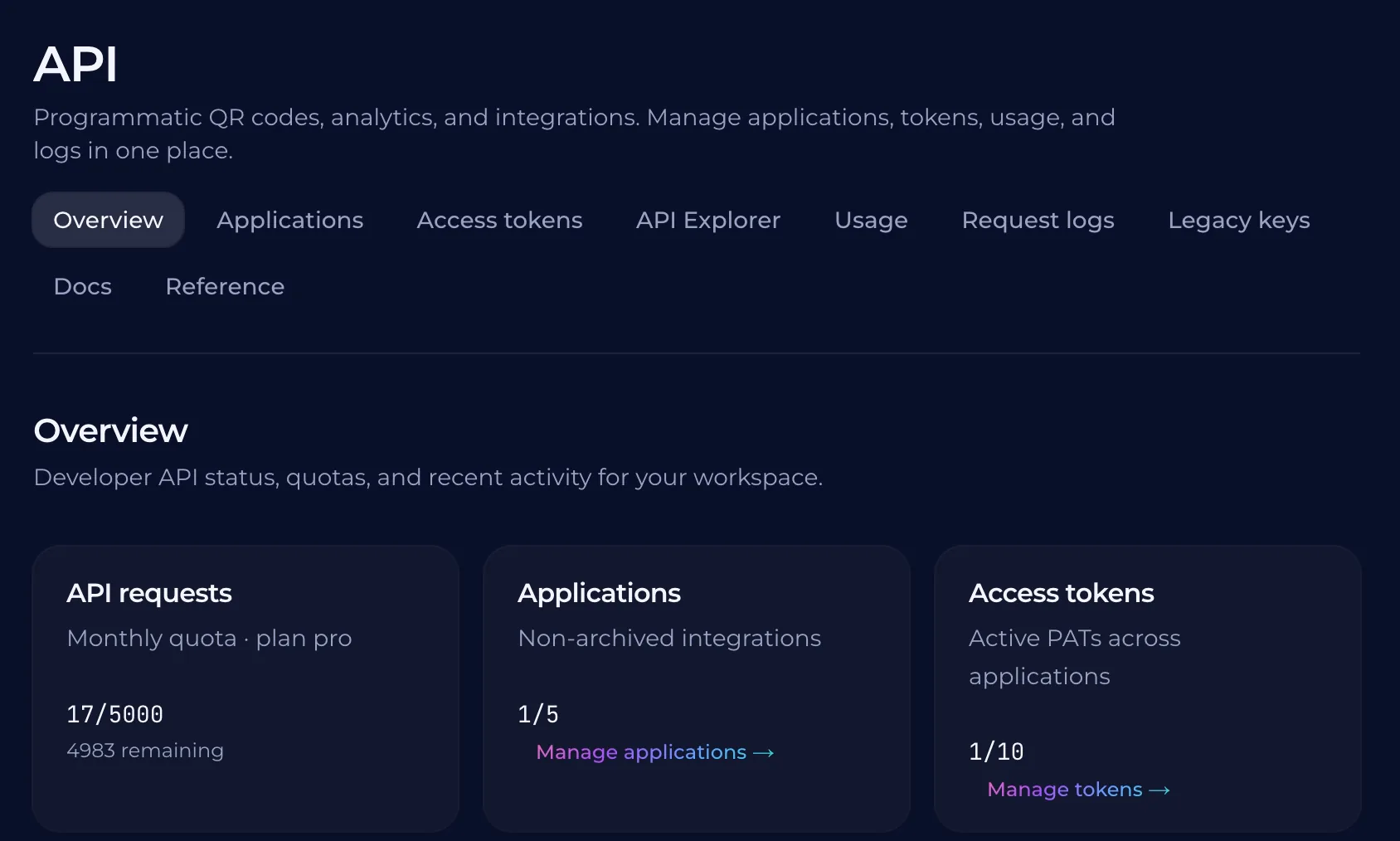
Creating a single QR code for every table requires a scale of production that manual entry is not built for. If you have fifty tables, you can create them all at once using a bulk creation tool. This method ensures that each code is unique and that the data for each table is just as consistent as the form for the menu. Instead of making one code at a time, you can use an API to connect your internal systems to the QR code platform. This allows your staff to manage thes codes automatically. If you need to update a specific table's menu or change a link, you can do so in the end-user interface without ever having to reprint the physical signs.
Integrating QR Codes into Your Point of Sale System
A manual entry of a table number or a staff member's note is prone to error. When a guest scans a code at a table, the system should automatically recognize the location. This removes the guesswork for your staff and ensures the order is placed correctly the first time. Connecting your QR codes to your POS system allows for real-time updates. If a table is out of service or a specific menu item is out of stock, the system can reflect those changes instantly. You can manage these updates from a central dashboard rather than updating individual physical signs. QURL provides an API that allows you to wire these connections. Your developers can use the API to sync your table data and menu items with the QR codes. This ensures that the data flows between your point of sale and the customer's scan, creating a seamless experience for the guest.
Common questions
- Can I use one QR code for every table?
- You can use a unique QR code for each table to track exactly where customers sit and identify which areas of the floor plan are most active. This allows you to see which sections of your restaurant are popular and which are less used. QURL makes it easy to manage these codes in bulk, so you don't have to create them one by one.
- How do I know which table is being used most?
- You can identify which table is being used most by assigning a unique QR code to each table. When a customer scans a query, the system records the scan count and location data, and you can then compare the results to see which areas of the table layout are most active.
- How many QR codes can I need for any size of restaurant?
- You can create as many unique QR codes as your restaurant has tables. Each table should have a unique code to track which sections of the table are most popular, and to help you identify where customers are experience issues.
- What happens if I change the link for a single table?
- If you update the link for a specific table, the printed QR code remains the same while the destination changes instantly. This allows you to swap out a menu or update a promotion without reprinting your table tents or signage.
Keep reading
- How to Create and Manage QR Codes for Event Badges in BulkLearn how to manage large volumes of attendee badges with unique QR codes that can be updated after printing. Learn how to track scan data and manage codes in bulk.
- How to Create Unique QR Codes for Every ProductLearn how to create and manage unique QR codes for each product to track individual performance and provide specific landing pages.
- How to Generate QR Codes in Bulk from a CSV FileLearn how to automate the process of creating hundreds or thousands of unique QR codes using a CSV import or an API integration.