
NewArt QURLs
A painting that is also your QR code, pointing at a link you can change.
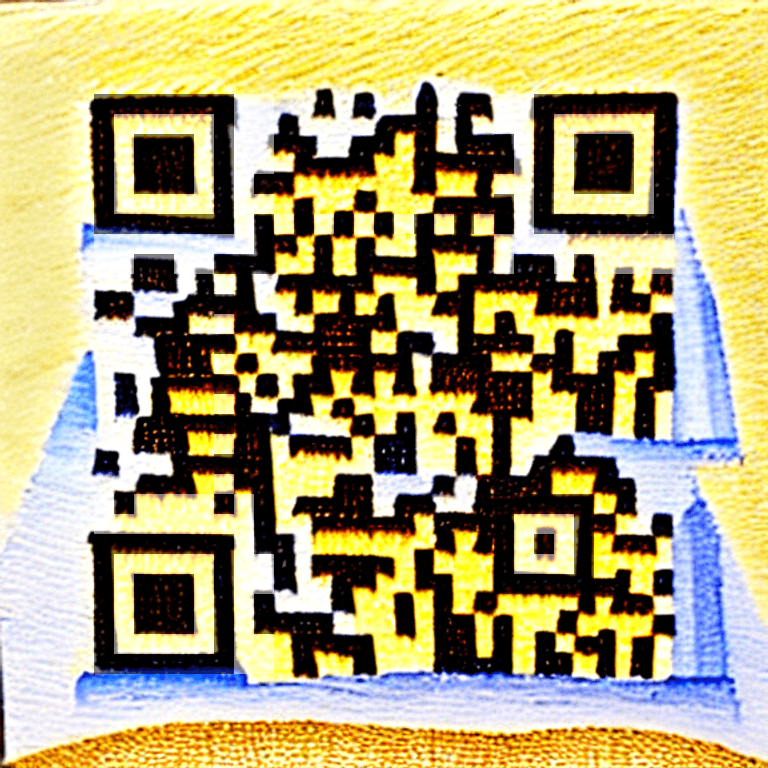
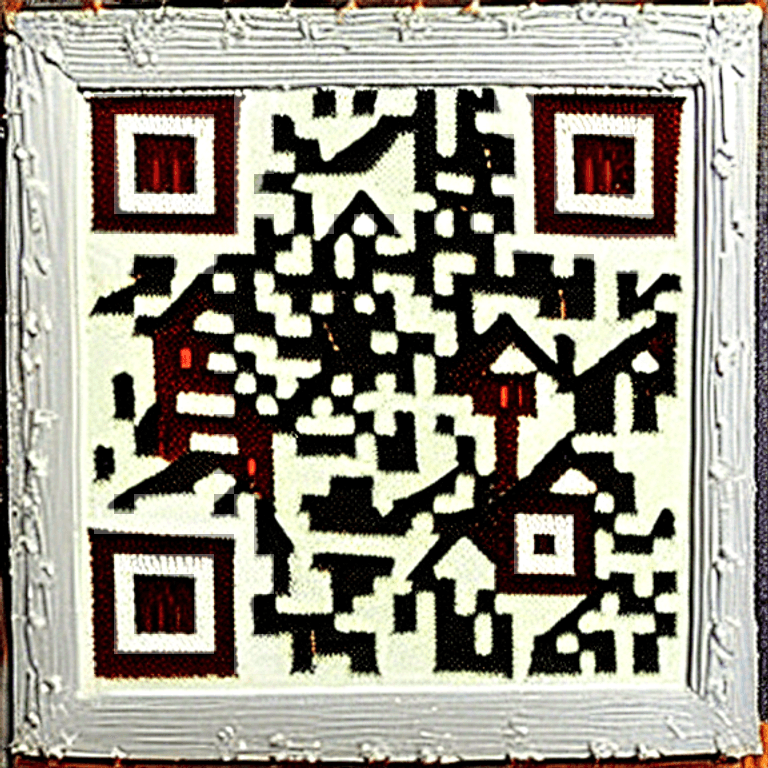
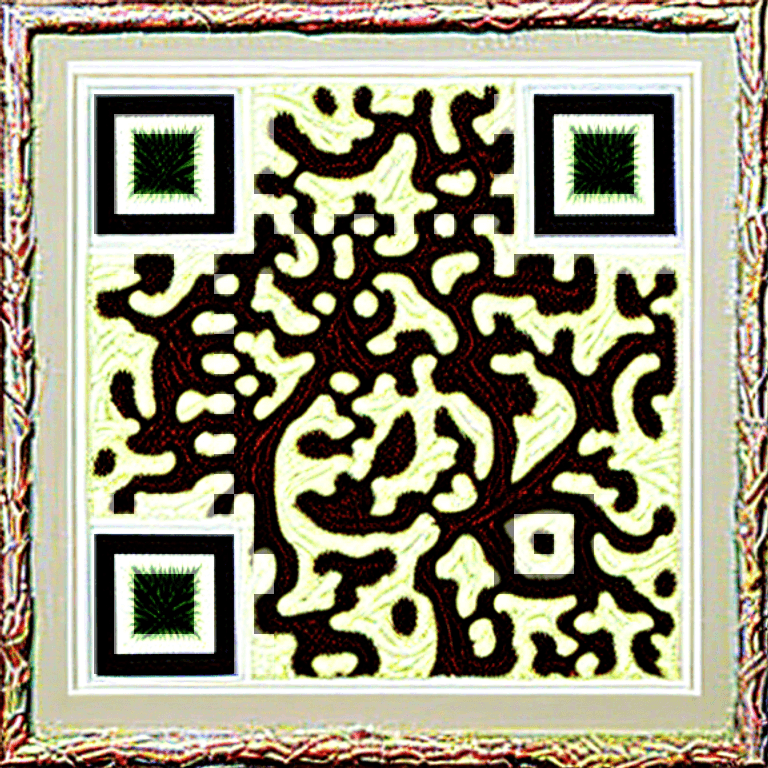
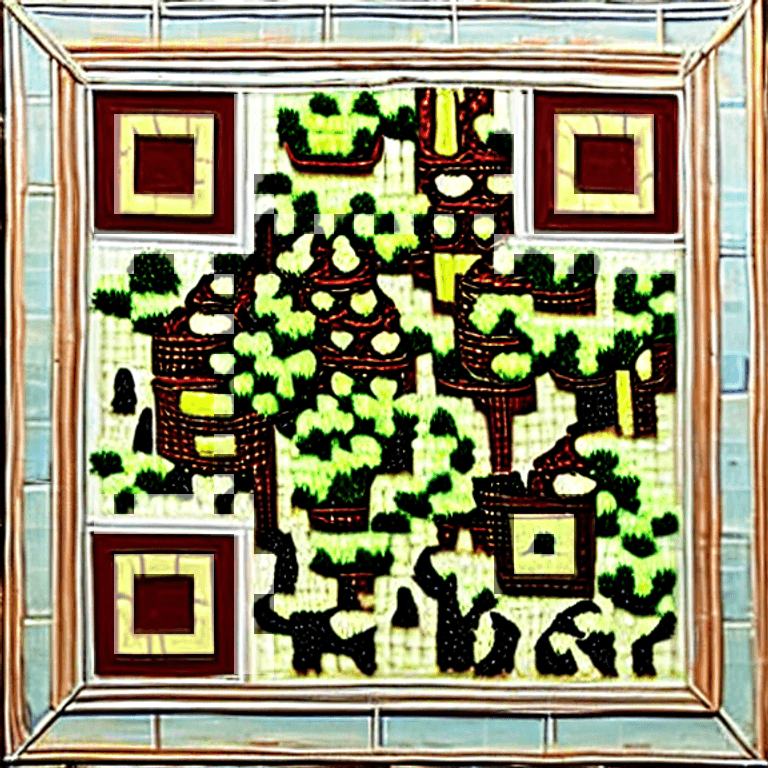
Pick a style or upload a photo, and QURL paints artwork with your short link woven into it. Every painting is checked by two independent decoders before you see it, and the link behind it stays yours to repoint after it is printed.
Twelve art styles, from watercolour cityscapes to graffiti walls, painted around the code so the picture is the code rather than a logo sitting in the middle of one.
Why this matters · A code people stop for is a code people scan.
Your photo becomes the code: upload a picture and the painting keeps it recognisable while the modules take their tone from it.
Why this matters · A face, a pet or a logo makes the code yours in a way colours never did.
Two decoders read every candidate at full size, downscaled and degraded before it is offered; anything that fails is rescued or discarded, never shown.
Why this matters · Art is only worth printing if it scans on the first try.
The painting encodes your short link, so the destination can change after printing and scans count in the same analytics as every other code.
Why this matters · Reprinting is the one thing art QR tools elsewhere cannot spare you.
Smart link assets
One canonical asset: stable slug, editable destination, print-safe QR.
Every workspace asset is a short link first. Optional QR codes encode that same short URL, so reprints keep working when campaigns move.
Create assets with destination, title, optional custom slug, QR, redirect mode, schedule, and optional password (from the dashboard).
Why this matters · You configure the full story in one place, with no duplicated URLs between link and QR.
QR Style Studio (paid plans): live editor with presets, foreground/background colors, module shapes (square, rounded, dots), scan-safety guidance, and PNG/SVG download. Styling is saved on the QR row only; the encoded short URL never changes.
Why this matters · Brand-ready codes without a separate generator; print and screen assets stay valid when you edit the destination.
Branded QR Logo Studio (Pro and Team): upload a logo for automatic palette chips and scan-safe theme suggestions; optional center lockup with plate shapes; optional logo-inspired dot pattern with adjustable intensity; scan-safety status blocks save when combinations are too risky. Starter keeps styling without logo upload; logo data is not persisted on Starter.
Why this matters · Agency-grade branding while the product enforces contrast and structure so codes stay scannable.
Logo upload, extracted palette, and logo-dot pattern unlock together on Pro and Team. Exports and API-rendered PNG/SVG match what you saved when your plan includes those options.
Why this matters · One clear rule for premium QR branding across the dashboard and export paths.
Preview
Dashboard · create flowCreate smart link asset
Destination, slug, redirect mode, and QR, one row in your workspace.
Redirect experience
Visitors see the full branded confirmation page before continuing, password gates always use this path first.
Preview
Live in appQR Style Studio
Illustrative controls: in the product you get a full live preview, presets, scan guidance, save to asset, and real PNG/SVG from your workspace QR.
In-app exports use your asset’s real QR matrix (same short URL as the link). Branded logo, palette, and logo-dot pattern: Pro & Team, there is a companion **Branded QR Logo Studio** preview in the same **Links & QR** section.
Preview
Pro & TeamBranded QR Logo Studio
Upload a logo for palette suggestions, optional center lockup, and a logo-inspired dot pattern, always with scan-safety checks before you save.
Starter keeps full QR Style Studio without logo upload; branded controls stay gated until Pro or Team.
QR Style Studio is included on paid plans
Starter unlocks the editor, presets, shapes, and exports. Upgrade to Pro or Team for center logo upload, same stable short URL in the matrix, styled how you need it.
Redirects, windows, access
Instant redirect, branded preview page, campaign windows, and optional password gates.
Pick instant (one hop) or branded preview (calm confirmation with destination summary, favicon, and Continue, then a safe second hop that only uses your saved URL). Change modes anytime; your slug and QR stay the same.
Per-asset redirect experience in the dashboard: instant opens the destination immediately when the link is live; branded preview shows a full-page Qurl interstitial, then visitors continue via a dedicated route, never via sketchy query-string redirects. Create and edit flows use a clear two-option control.
Why this matters · Builds trust and looks premium while keeping dynamic destinations and stable codes.
Optional start and end times, our servers alone decide when a link is live; slug and QR stay fixed.
Why this matters · Event and promo links can go live and sunset automatically, no cron required for correctness.
Password-protected links use strong hashing, a branded unlock flow, and signed cookies; protection forces the preview path by design.
Why this matters · Gated campaigns stay on-brand and auditable.
Dashboard badges and filters: Active, Scheduled, Expired, and manually Disabled.
Why this matters · Operators see state at a glance across many assets.
Preview
Dynamic controlSame QR, new destination
Slug and encoded short URL stay fixed, only the destination field changes in the dashboard.
thequrl.com/launch-2026
Reprint not required
QR still resolves through this slug, scans pick up the updated URL from the server.
Preview
Dashboard · create flowCreate smart link asset
Destination, slug, redirect mode, and QR, one row in your workspace.
Redirect experience
Visitors see the full branded confirmation page before continuing, password gates always use this path first.
Preview
SchedulingCampaign window
starts_at / expires_at evaluated on the server; QR and slug stay constant.
Flash sale · homepage
thequrl.com/flash
starts_at
2026-04-12T09:00:00Z
expires_at
2026-04-30T23:59:59Z
Simulator
Early visitors see a “not active yet” page; after expiry, a calm expired state, not a naked 404.
Preview
Secure unlockPassword gate · visitor flow
Argon2 on the link row; unlock sets a signed cookie before continue.
thequrl.com/partner-brief
Enter the access phrase from your invite. This step always uses the preview path, instant redirect stays off while locked.
Demo accepts any phrase with 3+ characters, production verifies with Argon2.
Public short links
Branded outcomes for every edge case.
Reserved slugs, caching, and clear state pages: scheduled, expired, disabled, invalid destination, optional branded preview, and password unlock when gates are on.
Branded preview mode uses visitor-safe copy and layout: you always see where you’re headed before Continue, aligned with how Qurl resolves the real URL on the server.
Why this matters · Feels intentional, not like a generic ad interstitial or mystery redirect.
Slug normalization, fast destination caching, and cache behavior that respects schedule windows.
Why this matters · Fast redirects without serving stale results outside a link’s live window.
Visits to scheduled, expired, or gated states are recorded for attribution but do not inflate headline click totals.
Why this matters · Dashboard numbers stay honest.
Preview
Public UXVisitor-safe states
Scheduled, expired, disabled, and invalid destinations get intentional pages, not a raw 404.
This link is not active
The owner may have paused the campaign or the schedule window ended. Your scan was logged for their workspace analytics, headline totals stay honest.
Illustrative layout, copy and exact states follow resolver precedence in production (`docs/features.md`).
Preview
Dashboard · create flowCreate smart link asset
Destination, slug, redirect mode, and QR, one row in your workspace.
Redirect experience
Visitors see the full branded confirmation page before continuing, password gates always use this path first.
See limits next to your price tier
Plan limits in the demos match the same tiers you see at checkout, nothing hand-tuned just for this page.
Link-in-bio & mini sites
Publish a branded page, blocks, segments, and analytics, without leaving Qurl.
Create Smart Pages in the dashboard, arrange blocks (profile hero, links, rich sections, and more), publish to a public slug under `/p/{slug}`, and reuse the same analytics mindset as short links. Premium block types unlock on higher tiers, see billing for the live matrix.
Visual editor with block library, live preview, and publish flow; per-page analytics when you need funnels beyond raw link clicks.
Why this matters · Creators and growth teams ship landing experiences as fast as they iterate short links.
Public pages are workspace-scoped; visitors get a polished mobile layout that matches Qurl’s dark premium shell.
Why this matters · One platform for “where should this QR go?”, either a URL or a full story page.
Smart Pages can sit behind the same QR or short-link mental model: stable slug, updatable content.
Why this matters · Reprint-safe codes still apply when the destination is a rich page instead of a single hop.
Preview
ShippedSmart Pages
Published public pages at `/p/{slug}`, block-based editor in the dashboard; premium block types on higher tiers.
Jordan Lee
@jordan · Creative lead
One link for launches, press, and bookings, updated without reprinting QR.
Segment
In the product you drag blocks, set publish state, attach analytics, and point QR or short links at the same public slug.
Point campaigns at a page, not only a URL
Smart Pages share the same publish-and-measure mindset as short links. Upgrade tiers unlock advanced blocks; limits always match the billing catalog in-app.
Qurl Review
Smart Review QR: collect honest feedback and make Google reviews easy for everyone.
Create a Review QR campaign from the dashboard, Qurl provisions a short link and dynamic QR like any other asset. Customers open `/review/{slug}` on mobile, tap 1–5 stars, and always see your Google review option. Ratings below your recovery threshold also get a private feedback form and optional email alerts to your team.
Guided setup: business name, Google review URL (validated hosts), optional logo, recovery alert threshold (default below 4 stars), custom thank-you/recovery messages, and notification email for private feedback.
Why this matters · You ship a complete campaign in minutes without wiring a separate review tool.
One canonical Review QR per campaign, same slug and print-safe code as smart links. Update copy or threshold anytime; the encoded short URL stays fixed.
Why this matters · Counter cards and table tents keep working when you refine messaging.
Public page uses a mobile-first dark UI: star rating, Google review CTA for every rating, private feedback form when recovery is needed, and honest analytics (ratings, distribution, Google clicks, conversion).
Why this matters · You grow public reviews while still hearing from customers who had a rough visit.
Plan-gated on Starter+ with per-tier campaign caps (see billing). Reuses workspace auth, entitlements, and link/QR infrastructure, no parallel system.
Why this matters · Review fits the same quotas and upgrade story you already trust for links.
Preview
ShippedCustomer review page
Public mobile page at `/review/joes-barbershop-review`, every rating can leave a Google review; lower scores also get a private feedback path.
Customer taps 1–5 stars
Tap the stars or switch steps, this is the same UI visitors see after scanning your Review QR.
Preview
ShippedCampaign analytics
Ratings, Google click-through, star distribution, and private feedback, all in the Reviews section of your workspace.
Joe's Barbershop
activeCheckout counter QR
Ratings
47
Avg rating
4.6★
Google clicks
31
Conversion
66%
Star distribution
Recovery threshold (4): ratings below this prompt private feedback; Google review is always available.
Recent feedback
Wait was longer than expected on Saturday.
customer@example.com
Email alerts fire when customers submit private feedback (typically below your recovery threshold).
Turn every visit into signal, not noise
Starter includes one Review campaign; Pro and Team raise caps for multi-location brands. Create your first Review QR in the dashboard, preview matches what customers see on `/review/{slug}`.
Workspace & asset drilldown
Measure links and QR campaigns with calm, decision-ready charts.
Engagement timelines split tracked visits and QR-attributed traffic; top countries, devices, and referrers; optional performance insights from your data; presets for 7d / 30d / 90d / all (within plan history); workspace and per-asset drilldowns plus CSV export.
Dual-series trend matches the product: all tracked clicks vs QR-attributed subset from the same event pipeline, no double-counting fiction.
Why this matters · You can explain numbers to stakeholders without a statistics sidebar.
Geography uses edge country headers when present; unknowns are labeled honestly. Devices and referrer buckets stay readable, not 40-row tables.
Why this matters · Operators see where traffic really comes from without drowning in raw logs.
Bots filtered from aggregates; headline totals focus on real redirects and preview continues.
Why this matters · Executives see signal, not crawler noise.
Signed-in CSV export for workspace or a single asset, with date ranges clamped to your subscription window.
Why this matters · Finance and ops can reconcile in spreadsheets without bespoke pipelines.
Preview
IllustrativeEngagement over time
Tracked link opens vs QR-attributed visits, same idea as the live dashboard. Demo values only.
1,095 clicks · 447 QR-attributed
Top country
United States
QR share (demo)
41%
Exports
CSV · workspace or asset
Preview
IllustrativePerformance insights
Rule-based summaries from your numbers, same pattern as the product panel, with demo copy only.
QR is driving a large share of engagement
About 58% of tracked visits in this window came via QR, double down on print and packaging placements that work.
Traffic leans mobile
Most classified devices are mobile, confirm your destination page feels great on small screens.
Open asset analytics for referrers
Direct and messenger traffic often hide referrers; UTMs on campaign URLs tighten source reporting.
See real performance in your workspace
After you sign up, Analytics matches what ships in the dashboard, dual engagement lines, geography when headers allow, and rule-based insights. Historical depth follows your plan.
Revenue attribution
See which links earn money, not just which links get clicked.
Drop one script on your site, or call the API from your server, and Qurl connects a scan or click to what happened next, signups, purchases, bookings. Conversions and revenue then sit next to clicks in the same analytics you already use, per link and per campaign.
Every redirect carries a one-time click id to your destination; the snippet stores it first-party and sends it back with the conversion.
Why this matters · A QR on a flyer can be traced to the order it produced, even weeks later, and even though the visitor crossed to your own domain.
Report from the browser with qurl.track(), or server-to-server with an API key when the number has to be right.
Why this matters · Marketing gets instant coverage; finance gets figures that did not pass through a browser an adblocker can silence.
Conversions sent with your own order or user id are de-duplicated, so a retried webhook or a double-fired snippet never counts twice.
Why this matters · Revenue totals stay trustworthy without you building idempotency yourself.
Conversions that arrive without a usable click id are still recorded and shown separately, never silently dropped.
Why this matters · You see real revenue and how much of it could be attributed, instead of a tidy number that quietly hides the gap.
Preview
ConversionsFrom scan to revenue
Illustrative snippets, the click id travels with the visitor, so a conversion points back at the link that earned it.
On your site
<!-- once, on every page -->
<script src="https://thequrl.com/qurl.js"></script>

<!-- when something valuable happens -->
<script>
  qurl.track("purchase", {
    value: 49.99,
    currency: "USD",
    externalId: "order_1042"
  });
</script>
Or from your server
Verifiedcurl -sS -X POST \
-H "Authorization: Bearer qurl_pat_live_…" \
-H "Content-Type: application/json" \
"https://<your-deployment>/api/v1/conversions" \
-d '{"clickId":"…","eventName":"purchase","value":49.99,
"currency":"USD","externalId":"order_1042"}'Preview
IllustrativePerformance insights
Rule-based summaries from your numbers, same pattern as the product panel, with demo copy only.
QR is driving a large share of engagement
About 58% of tracked visits in this window came via QR, double down on print and packaging placements that work.
Traffic leans mobile
Most classified devices are mobile, confirm your destination page feels great on small screens.
Open asset analytics for referrers
Direct and messenger traffic often hide referrers; UTMs on campaign URLs tighten source reporting.
Workspaces & collaboration
Invite teammates with roles and seat-aware limits.
Each user owns a workspace; multi-workspace switcher when you belong to more than one. Invites, member management, and seat enforcement align with Stripe-backed plans.
Roles: owner, admin, member, policy guards sensitive actions.
Why this matters · Agency leads delegate without handing over billing keys.
Seat counts include pending invites where applicable to avoid quota gaming.
Why this matters · Predictable billing as teams grow.
Preview
WorkspaceMembers & invites
Seat counts follow plan limits; pending invites count toward seats where billing applies.
| Name | Role | |
|---|---|---|
| Ava Chen | Owner | |
| Jordan Lee | Admin | |
| Sam Rivera | Member |
Pending invites appear in the table until accepted.
CSV at scale
Import and export jobs for teams that ship dozens of assets at once.
Plan-gated bulk CSV creation with monthly operation caps, template download, and job-based export downloads.
Download a CSV template and pick up finished jobs from the dashboard when your plan includes bulk.
Why this matters · Campaign launches don’t mean clicking forms hundreds of times.
Preview
Plan-gatedBulk CSV import
Template download + validation; monthly op caps from plan entitlements.
| slug | destination_url |
|---|---|
| row-001 | https://vendor.example/p/alpha |
| row-002 | https://vendor.example/p/beta |
| row-003 | https://vendor.example/p/gamma |
When your plan includes bulk, you download finished jobs from the dashboard, no manual stitching.
Ready for campaign volume?
Start on Starter for a tight team, or jump to Pro for bulk CSV and API access when programs scale.
Trust + Stripe
Strong passwords, signed cookies, Stripe billing, and visible usage.
Account passwords and link gates use modern hashing; unlock cookies are cryptographically signed. Stripe Checkout and the customer portal keep billing in sync; usage meters cover smart link assets, scans, bulk, API (when enabled), and seats.
Rate limits on the public try link and password unlock when abuse protection is enabled.
Why this matters · Abuse resistance without annoying legitimate visitors.
Paid welcome email is confirmed server-side so repeated billing events can’t spam inboxes.
Why this matters · Reliable delivery without duplicate noise.
Preview
Billing syncPlan & usage mirror
Live plan metadata from your billing catalog, Stripe updates what the app shows after checkout.
Smart link assets
300
short URLs + optional QR, one pool
Workspace seats
5
includes pending invites where applicable
QR scans (total)
∞
workspace aggregate
Bulk ops / mo
200
CSV jobs
API reqs / mo
5000
when API access enabled
HTTP surface
APIs and webhooks for the same flows you use in the dashboard.
Authenticated and public endpoints cover sign-in, QR rendering, analytics export, bulk jobs, password unlock, billing events from your payment provider, and the homepage try-it link, no separate “mystery” API surface.
Password unlock is a dedicated verify step; continue behavior stays tied to your workspace, never from arbitrary URL parameters alone.
Why this matters · Security-sensitive flows have a clear boundary for admins and future integrations.
Preview
DeveloperWorkspace-authenticated calls
Illustrative request/response: real paths and quotas match your plan in the live API docs.
Request
curl -sS -X POST \
  -H "Authorization: Bearer qurl_pat_live_…" \
  -H "Content-Type: application/json" \
  "https://<your-deployment>/api/v1/qr-codes" \
  -d '{"title":"Launch","destinationUrl":"https://example.com/launch"}'
Response
201 Created{
"data": {
"id": "550e8400-e29b-41d4-a716-446655440000",
"shortUrl": "https://qurl.to/launch-2026",
"qrPayload": "https://qurl.to/launch-2026",
"destinationUrl": "https://example.com/launch",
"images": { "png": "…", "svg": "…" }
},
"meta": { "requestId": "req_…" }
}Preview
OverviewAutomatable surface
The same capabilities power the app and visitor flows, no separate “shadow” product API.
Sample short link
Guests & linksHomepage demo with its own limits, experiment before you create a workspace.
Password unlock
Guests & linksVisitors confirm access on a Qurl step before continuing to the destination.
QR downloads
Guests & linksExport PNG or SVG for codes tied to your live slugs.
Sign-in & sessions
Signed inSecure access to dashboards, assets, and team settings.
Analytics export
Signed inDownload CSV rollups for reporting when your plan allows.
Bulk CSV jobs
Signed inTemplate download and job pickup for batch creates at scale.
Billing alignment
Signed inCheckout and subscription changes stay reflected in what the app enforces.
Browser workflow
Install once. Capture static QR in seconds. Scale in Qurl.
The extension is your speed layer for static QR generation from the active tab. The website stays the main platform for dynamic QR, analytics, Smart Pages, and advanced sharing workflows.
Questions candidates ask
Short answers grounded in how the resolver, analytics pipeline, and billing catalog actually behave.
Will my QR code break if I change the landing page?
No. QR encodes your short URL. Update the destination in Qurl, future scans resolve to the new target without reprinting.
How do scheduled links behave for visitors who arrive early?
They see a branded “not active yet” page until the scheduled start time. The slug and QR never change, only availability updates based on server time.
What’s the difference between instant redirect and branded preview?
Instant sends visitors straight to your saved destination when the link is active. Branded preview shows a Qurl confirmation page first, with the live destination highlighted, then they tap Continue. Your short URL and QR never change either way.
Do password-protected links support instant redirect?
No by design. Password gates run through the preview path so visitors authenticate on a Qurl-hosted step first, then the same preview or instant behavior you configured applies after unlock.
What counts as a click in analytics dashboards?
Headline click totals count real redirects and completed preview continues. Scheduled, expired, or protected views may be stored separately so reports stay honest.
Where do plan limits come from?
From the subscription you choose at checkout. Short URLs and optional QR codes share one asset pool on your tier.
Can I customize how my QR looks without breaking scans?
Yes on Starter, Pro, and Team for colors, shapes, and quiet zone, the code still encodes the same short URL. Pro and Team add Branded QR Logo Studio: logo upload, palette suggestions, optional center lockup, optional logo-inspired dot pattern with intensity control, and scan-safety checks before save. Starter uses the studio without persisting logo or branded pattern fields.
What are Smart Pages and who are they for?
Smart Pages are block-based public pages you publish from the dashboard, great for link-in-bio, launch hubs, and press kits. They live at `/p/{slug}`, support rich layouts, and align with the same workspace and analytics patterns as short links. Some advanced blocks require Pro or Team.
What is Qurl Review and how does the star flow work?
Qurl Review is a Review QR campaign: customers rate 1–5 on your public page. Every rating includes your Google review link. Ratings below your recovery threshold (default below 4 stars) also show a private feedback form that lands in your dashboard and can email your team. The same short link and QR power the whole flow.
Which plans include Review campaigns?
Review campaigns are available on Starter, Pro, and Team with per-tier caps on active campaigns (see in-app billing). The feature reuses your smart link asset pool when creating the underlying short URL and QR.
How does conversion tracking know which link caused a sale?
Each redirect adds a one-time click id to your destination URL. The Qurl snippet stores that id in a first-party cookie on your own domain, then sends it back when you call qurl.track(). Because the id travels with the visitor rather than relying on third-party cookies, a purchase days later still points at the link, or the printed QR, that started it.
Do I have to use the browser snippet, or can my server report conversions?
Either. The snippet is the quickest path and covers most sites. For revenue that has to be exact, POST to /api/v1/conversions from your backend with an API key, those rows are marked as server-reported so you can tell verified revenue from browser-reported revenue. Server-side reporting needs Developer API access (Pro and Team).
What happens if a conversion can't be matched to a click?
It is still recorded. Ad blockers, cleared cookies, and direct visits all break attribution, and dropping that revenue would misstate your totals. Unattributed conversions count toward conversions and revenue, are shown separately from attributed ones, and are excluded from conversion rate because there is no click to divide by.
Will a retried webhook double-count my revenue?
No, as long as you send your own identifier as externalId (an order or user id). Qurl treats workspace + event name + externalId as unique, so a retry returns the original conversion instead of creating a second one.
Which plans include conversion tracking?
Every paid plan, Starter, Pro, and Team. Knowing whether a link earned anything is core to the product, not an add-on. Server-to-server reporting via the Developer API is the part that needs Pro or Team.
Do you expose raw API paths on the marketing site?
The features tour uses illustrative snippets only. Authenticated routes, quotas, and key management always match what your signed-in workspace sees, refer to in-app developer docs or your account team for integration specifics.
Ship dynamic links your team can trust
Create a workspace, invite collaborators, and keep QR + short URLs in sync without reprints.