
Why a printed QR code stops working and how to fix it
Learn why your printed QR codes might be failing and identify which issues can be fixed digitally or require a physical reprint.

Why your printed QR code is not scanning
A printed QR code stops working for two main reasons: digital errors and physical flaws. A digital error means the link behind the code points to a dead page or an expired promotion. These are harder to fix because they require you to change the destination without changing the physical print. Physical flaws occur when the code is too small, lacks enough contrast against its background, or has been damaged during printing. If the camera cannot distinguish the shapes of the squares, no amount of digital adjustment will make it scannable. You must determine if your problem is a link issue or a physical layout issue before deciding whether to reprint.
Fixing broken links without reprinting
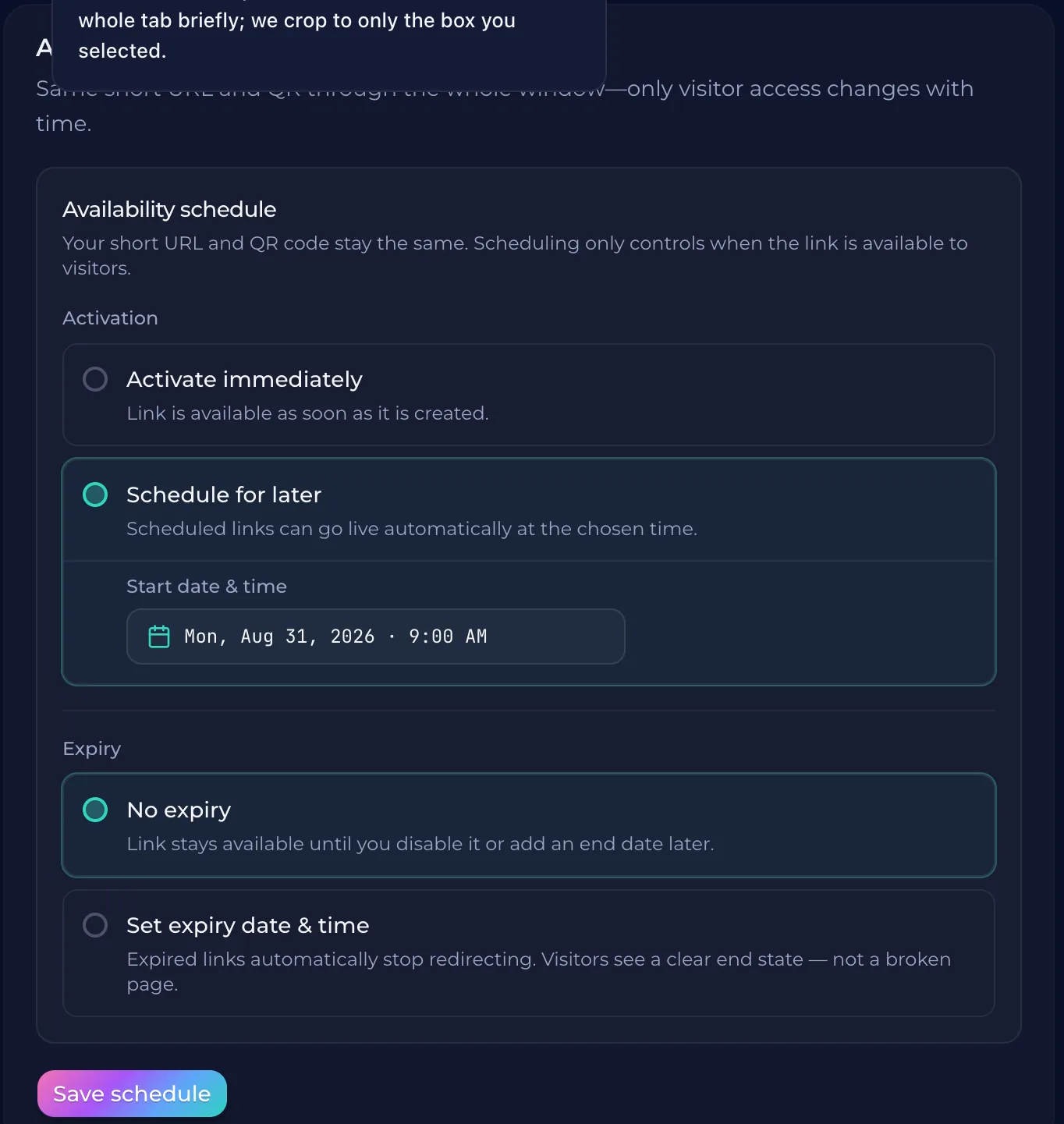
A static QR code is a permanent link to one specific URL. If that page moves or the link expires, the code becomes useless because the data is hard-coded into the pixels. You cannot change the destination of a static code once it is printed on a flyer, sign, or menu. A dynamic QR code solves this by using a redirect. The code points to a platform like QURL, which then sends the user to your chosen destination. Because the link between the scan and the final page stays in your control, you can update the destination at any time without changing the physical print. If your campaign is running and you's link has changed, a dynamic code allows you to swap the URL instantly. The printed material remains exactly as it is, but the user still reaches the correct landing page.
Physical factors that require a new print
A printed QR code may stop working because of its physical properties. If the code is too small to be read by a camera, it will fail every time. Similarly, if the contrast between the colors is too low, like a light gray code on a white background, many phones will struggle to focus on it. A dynamic link does not fix these issues. If the physical print is blurry or damaged, you must reprint the material. A broken link is a digital problem that a dynamic QR code solves, but a poorly printed image is a physical one.
How to track scan data for future campaigns
You see a successful scan as a success, but you cannot tell if it led to a sale or a campaign peak. Dynamic codes provide this data by logging every interaction. A dynamic code tracks the number of scans, the device type, and the approximate location of each scan. This information helps you understand where your marketing reaches people in real life. You can see if a specific flyer or sign is performing well in different locations. These metrics help you plan future campaigns. If one location shows high engagement, you offer more resources to that spot. If another area has low engagement, you can adjust your strategy before spending more on the marketing materials.
Choosing the right tool for dynamic codes
A static QR code links to a specific URL. If that link breaks or changes, the code becomes useless because its destination is hard-coded into the pixels. You need a platform that allows you to change the destination while keeping the printed code exactly as it is. A dynamic QR code system works by creating a link that acts as a different layer between the user and your final destination. When someone scans, they hit a redirect. This allows you to update the link in your dashboard without affecting the physical print. QURL provides this functionality. It gives you the ability to even brand your codes with logos and colors while tracking scan data like device type and location. Choosing a dynamic platform ensures that if your menu changes or a promotion ends, you can swap the destination instantly.
Common questions
- Can I fix a QR code after it's been printed?
- You can fix the destination of a dynamic QR code after printing because the link is managed through a platform rather than being hard-coded into the pixels. If you used a static QR code, however, the link is permanent and cannot be changed without reprinting.
- Why is my QR code not being scanned by phones?
- Your QR code might be failing because the link is broken or expired, or it's physically difficult to scan due to low contrast or small size. While a dynamic QR code can fix an issue with a broken link by allowing you to update the destination without reprinting, a physical design flaw like poor contrast makes the code unscannable.
- What happens if my link expires or changes?
- If your QR code is static, the link it points to will break once the destination URL changes or expires. A dynamic QR code allows you to update the destination link in your dashboard without changing the printed code.
- Is there a difference between static and static-less links?
- A static link is permanent and cannot be changed once it is created or printed. A dynamic link (or 'static-less' link) allows you to update the destination URL while keeping the exact same QR code, which prevents the need for reprinting materials if a link expires or changes.
Keep reading
- How to Manage a Limited-Time Offer with a QR CodeLearn how to use dynamic QR codes to keep a printed QR code active while changing the destination link for time-sensitive promotions.
- How to Put a QR Code on a Business Card That Stays UsefulLearn how to use dynamic QR codes to ensure your business card's link remains active even if your role, website, or contact information changes.
- Dynamic QR Codes for Product PackagingLearn how to use dynamic QR codes to ensure your product packaging remains relevant and updated even after it is printed and distributed.