
How to Manage a Limited-Time Offer with a QR Code
Learn how to use dynamic QR codes to keep a printed QR code active while changing the destination link for time-sensitive promotions.

How to Keep a Printed QR Code Active After a Promotion Ends
The promotion ends on Friday. Your flyers are still in customers hands. A static QR code would lead them to a broken link or a 404 page. This creates a dead end for the customer and a wasted marketing asset. Instead of a static link, use a dynamic QR code. You can change the destination of the code while the physical print remains the same. When the promotion expires, update the destination to a new landing page or a general offer. This keeps the offer active and the sense of purpose for the user remains intact. QURL allows you to manage these transitions. You can swap the destination of a printed QR code at any time. This ensures that your marketing materials stay useful even after a specific campaign period ends.
Why Dynamic QR Codes Solve the Problem of Expiring Offers
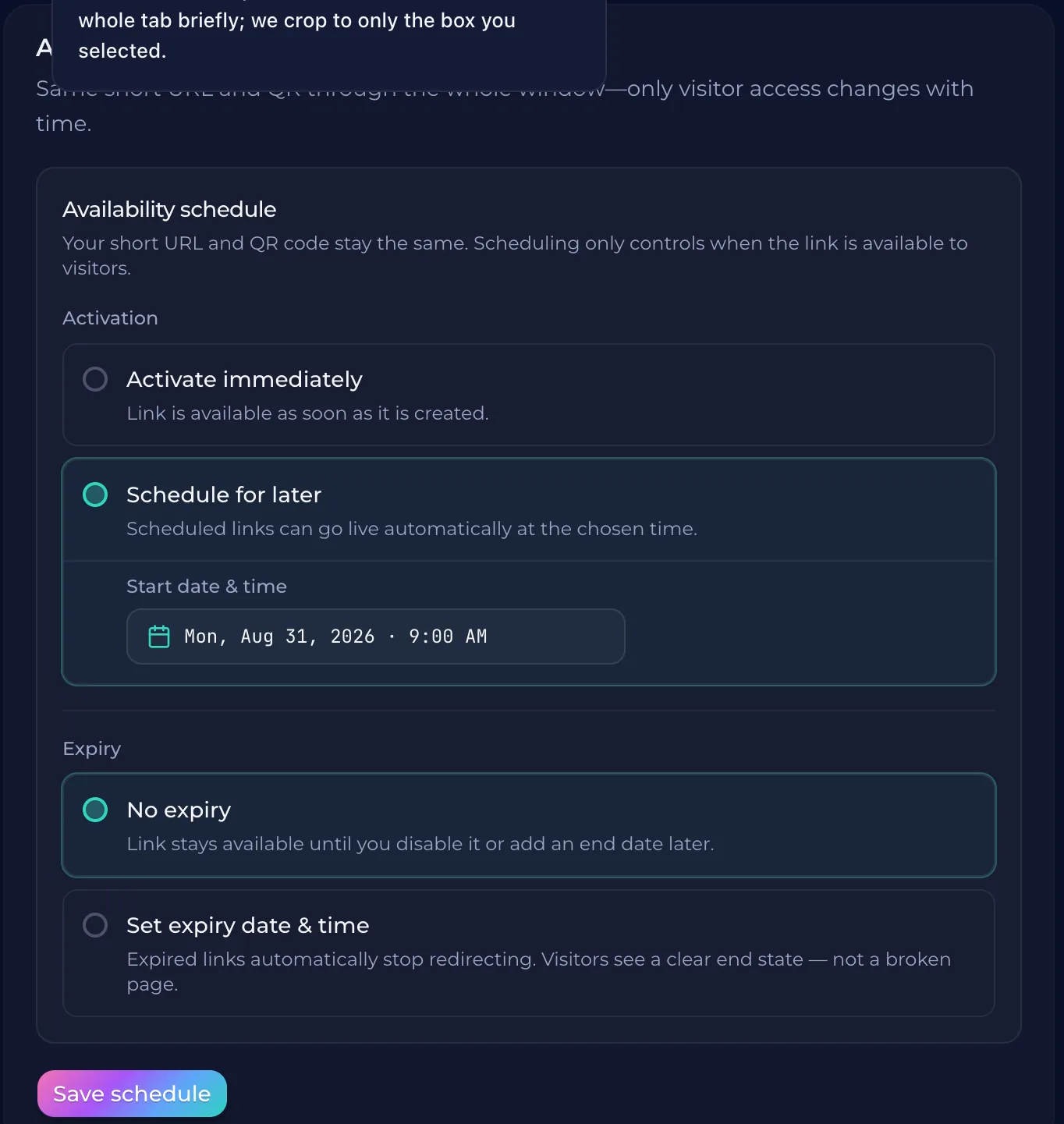
A static QR code is a permanent link. If you print it on a flyer or a sign, that link is fixed. When a sale ends, a static code leads to a dead page or an old promotion. This forces you to throw away perfectly good marketing materials. Dynamic QR codes work differently. They act as a middleman. The printed code stays the same, but the destination you choose can change at any time. You can point the code at a sale page today and update it to a new landing page tomorrow without ever reprinting your materials. QURL allows you to manage these transitions. You can swap the destination of a QR code instantly. This ensures that your printed materials remain useful for the rest of the year, even as your promotions change.
Choosing a Redirect Destination for the Post-Promotion Period
A limited-time offer ends, but the physical materials remain in the hands of your customers. A flyer or a poster might stay on a wall for months. You need a destination that keeps the user engaged without confusing them. Instead of a dead link, point the QR code to a general landing page or a collection of your other services. When the promotion period finishes, update the destination in your dashboard. The QR code stays the same, but the link changes. This ensures that anyone who scans the later scan still finds something useful. You can also point the link to a new promotion or a permanent collection page. hought}<channel|>{
Tracking Engagement for Time-Sensitive Campaigns
A limited-time offer creates a sense of urgency. You need to know if that urgency translated into action. Tracking scans provides data on how many people engaged with the offer during the promotion period. This helps you see if the specific campaign had a high enough turnout. Knowing the volume of scans helps you plan for the next time. You can see which dates and times saw the most activity. This data tells you if your timing was right or if the offer was presented at the best time for the user. Tracking also shows you the type of device used by customers. This information helps you understand how your audience interacts with your products. You can see if they prefer mobile phones or desktop computers, which helps you refine your digital strategy.
How to Prepare for the Next Promotion
The next promotion starts on Monday. You need to prepare the assets for the next campaign while the current one is still running. Instead of creating a new QR code for every single offer, you can keep the same physical code and simply update the destination link in your dashboard. This allows you to swap the offer page out for the next one without reprinting your marketing materials. When the current offer ends, you can immediately switch the destination. This ensures that your printed materials remain useful for the rest0f the year. You can also use the data from the previous campaign to see how many people scanned the code. This information helps you plan for the next promotion by showing you exactly where your audience is engaging.
Common questions
- Can a QR code point to a different link after the promotion ends?
- Yes, you can point a dynamic QR code to a new destination after a promotion ends. By using a platform like QURL, the printed code stays the same while you update the link in the dashboard, allowing you to redirect customers to a new page or a default home page instead of a dead link.
- What happens if a user scans a QR code for an expired offer?
- If a user scans a QR code for an expired offer, they will land on a page that is no longer active or relevant. To prevent this, you can use a dynamic QR code that allows you to update the destination link without changing the printed code, so you can redirect users to a new offer or a default landing page instead.
- How do I track how many people scanned my QR code for a scan-specific offer?
- You can track the number of scans for a specific offer by using a dynamic QR code. A dynamic code allows you to change the destination link while the printed code remains the same, so you can point it to a promotional page and then update it to a standard page once the offer expires.
- Can I change the destination of a QR code without reprinting it?
- Yes, you can change the destination of a QR code without reprinting it by using a dynamic QR code. These codes point to a short link that you can update in your dashboard, while the physical print remains the same. This allows you to keep your marketing materials in the platform's active state even after a promotion ends.
Keep reading
- How to Put a QR Code on a Business Card That Stays UsefulLearn how to use dynamic QR codes to ensure your business card's link remains active even if your role, website, or contact information changes.
- Dynamic QR Codes for Product PackagingLearn how to use dynamic QR codes to ensure your product packaging remains relevant and updated even after it is printed and distributed.
- Dynamic QR Codes for Real Estate Signs: One Code, Multiple ListingsLearn how to use dynamic QR codes to keep your property signs permanent while updating the listing details online. This ensures your signs stay relevant even after a property sells.