
How to Get More Google Reviews with a QR Code
Reduce friction by using a QR code that links directly to your Google review page. This removes the search-and--scroll hurdle for customers who want to leave feedback.

How a Direct Link Increases Review Volume
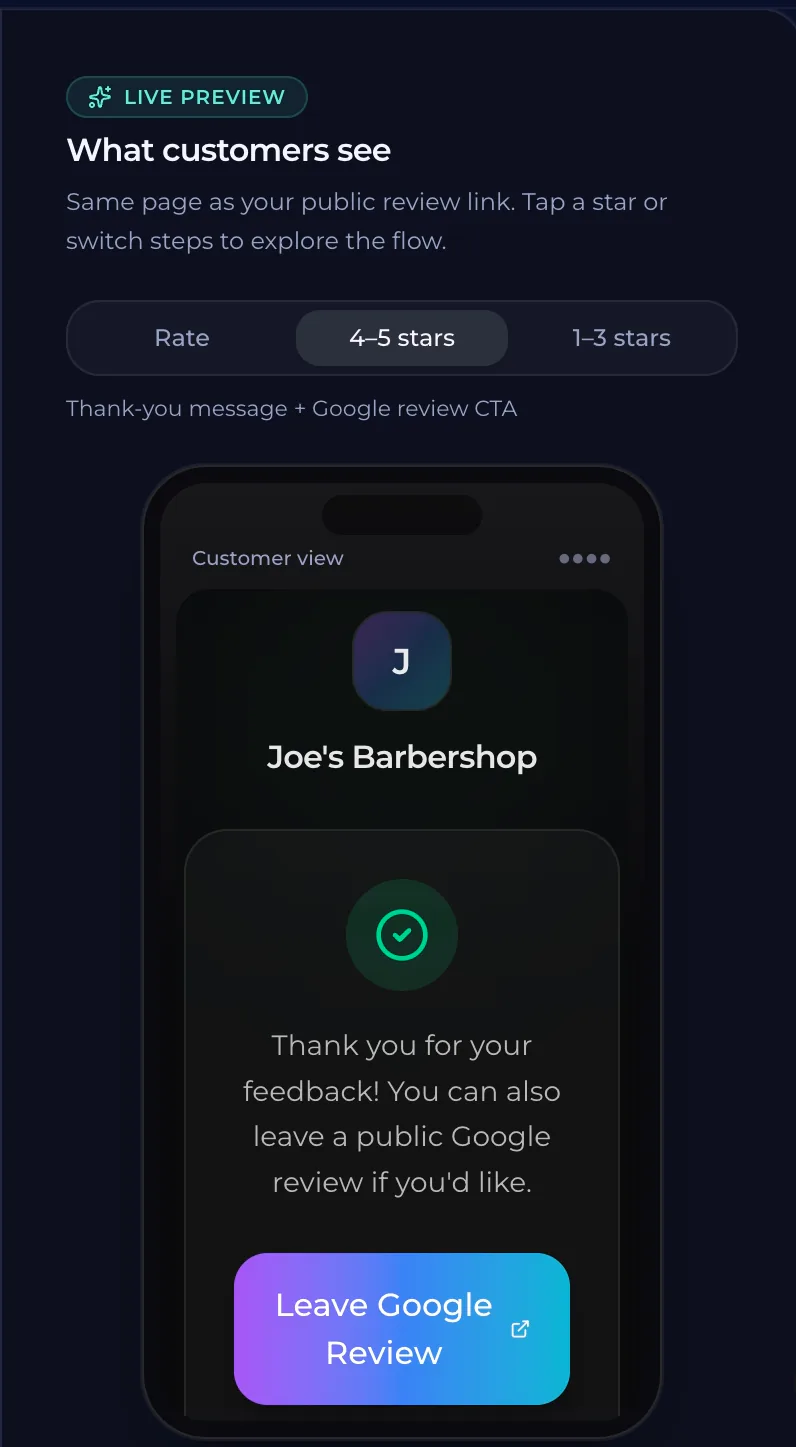
Customers often decide not to leave a review because they find the process too difficult. They might search for your business name on Google and then scroll through dozens of other results to find the correct button. This extra effort can stop them before they they reach the submission form. A direct link removes this friction. When a customer scans a QR code, they are taken straight to the review page. They do not have to search or scroll. By removing these steps, you make it easier for them to share their feedback. QURL provides a QR code that links directly to your Google review page. It tracks scan counts and click-throughs, showing how many people are interested in the engagement point. It does not filter or influence the content of the reviews.
Why Search and Scroll Friction Stops Reviews
A customer wants to leave a review after a great experience. They find your business on Google Maps or search for you online. Most people will not take the extra steps to search, scroll through other results, and click into your profile just to find the link to the review form. A single tap on a physical sign or a digital menu is much faster. When a customer has to hunt for a button, they are likely to give up. Friction in the user journey removes the opportunity to gather more reviews. By removing every step between their intent and the form, you make it easier for them to say yes.
Creating a Shortcut for Your Customers
A customer wants to leave a review but stops halfway through the process. They find your business on Google Maps and click your profile, then they have to scroll past dozens of other reviews or search for a button that is hard to find. This friction causes them to give up before they ever type a word. A QR code acts as a shortcut. It takes the customer directly to the review form page instead of your general business profile. By removing every step between their intent and the action, you make it easier for them to leave feedback. QURL creates these specific links. The system tracks how many people scan the code and click through to the review page. It does not filter or influence the content of the reviews, but it removes the hurdle of navigation.
Where to Place Your QR Codes
Place your QR code on items that customers touch or see at the point of sale. A receipt is a prime location because it serves as a final touchpoint before they leave. You can also place codes on table tents, table mats, or window decals to catch people while they are waiting for service. Your signage should be with your business name and logo. This builds trust and makes the review request feel like an official part of your experience. If a customer sees it in a moment of high satisfaction, they are more likely to engage. Think about where customers spend the most time waiting. A counter sign or a window sticker can capture interest during those moments. The goal is to remove every step between their desire to feel helpful and the user interface of the review form.
Tracking Scan Data to Measure Engagement
A QR code provides a way to track how many people scan the code and click through to your review page. This data shows you which physical locations or marketing materials are driving the most traffic. If you have multiple signs, you can see which one is outperforming others by comparing their unique scan counts. By looking at the end times and rough location of scans, you can identify patterns in customer behavior. You can determine if your peak review periods align with your service hours or specific promotions. This helps you clarify where to focus your effort next.
Understanding the Limits of Review Tracking
A QR code tracks scan counts and click-through rates to show you how many people engaged with your review link. It provides data on the device type, the time of scan, and a general location for each interaction. It does not provide personal details about the individual reviewer or their identity. The system cannot read, display, or filter the content of the reviews that customers leave on Google. It also has no influence over what people write or how many reviews are feeler-free. Focus on using the QR code as a direct path to the review form. By removing the friction of searching for your business and finding the specific review button, you make it easier for customers who want to support you to do so.
Common questions
- Can a QR code help me get more reviews?
- A QR code can significantly increase review volume by removing the friction of searching for your business online. By linking directly to your Google review page, you eliminate the steps that cause customers to give up before finishing the form.
- How do you link a QR code to a Google review page?
- To link a QR code to a Google review page, create a dynamic QR code that points directly to your business's specific review link. This removes the friction of customers having to search for your business and find the review button themselves. QURL provides this functionality by creating a QR code where you can change the destination URL later if needed.
- Does a QR code scan count as a review?
- A QR code scan does not count as a review. It is a tool to direct customers to the Google Review page so they can submit their feedback directly on your profile.
- Is it safe for customers to have a direct link to the review form?
- Providing a direct link to your Google review page removes friction for customers who want to support you. While QURL tracks scan and click-through data, it does not influence or filter the content of the reviews submitted by your customers.
Keep reading
- How to Catch an Unhappy Customer Before They Post a ReviewLearn how to identify and resolve customer issues in real-time to prevent negative reviews. This guide explains how to provide a direct line of communication to customers.
- How to Ask for Reviews Without Being PushyLearn how to reduce friction and use a direct link to Google reviews to make the process effortless for your customers.
- How to add a Google review QR code to your receiptsLearn how to create a direct link to your Google review page and place it on printed materials like receipts and table cards.