
How to Connect an MCP Server for Link Analytics
Learn how to connect an MCP server to your analytics dashboard to query your QR code and link data using natural language. This allows you to analyze multiple codes at once and get insights without manually navigating a dashboard.

Connect an MCP server to your link data
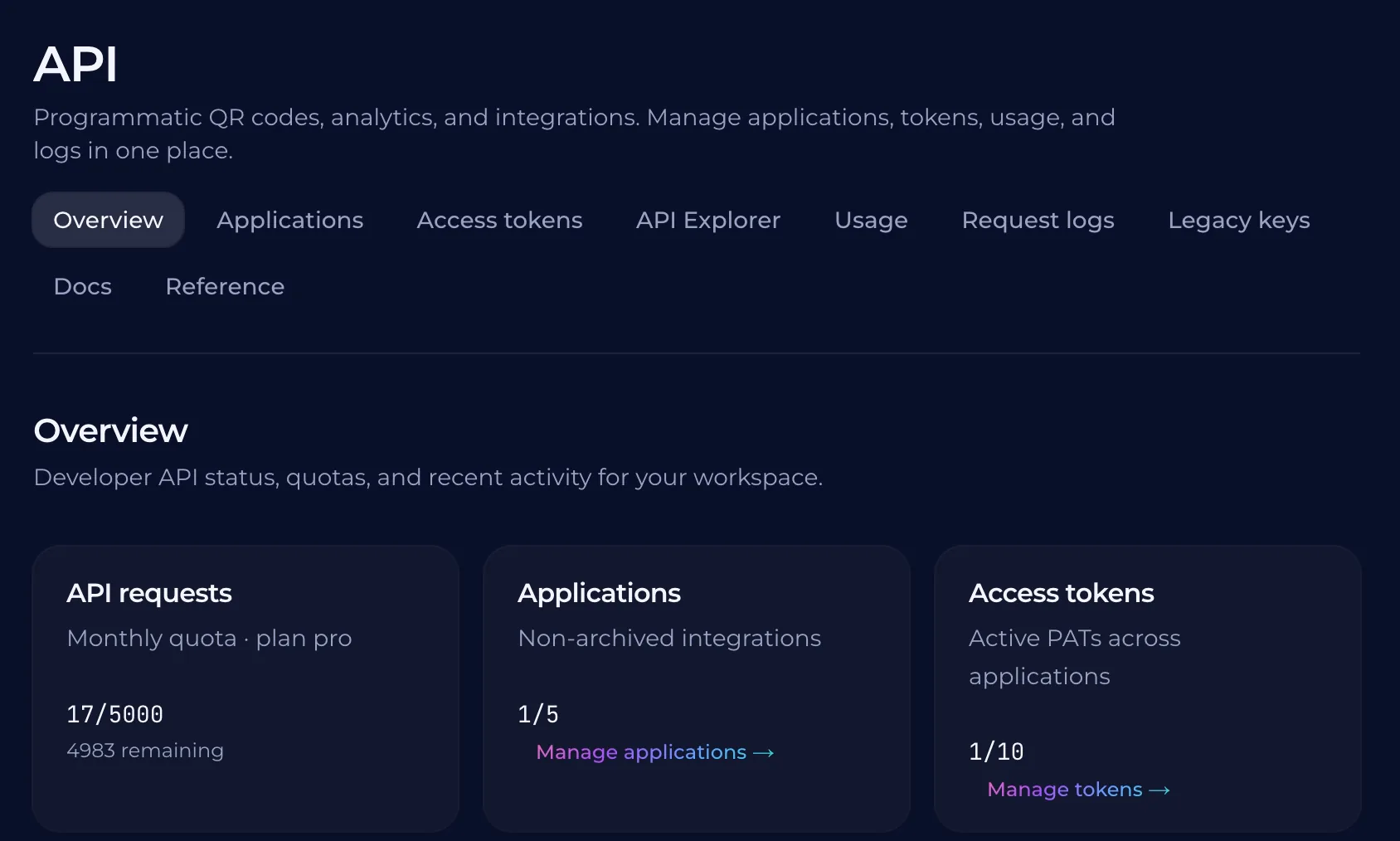
An MCP server acts as a bridge between your data source and an AI assistant. Instead of manually navigating a dashboard to find scan counts or location data, you can connect your link analytics directly to your workspace. This allows the AI to access the information it needs to answer your questions in real-time. Connecting this data requires an API key from your platform. You must choose the right permissions for the key. A read-only key allows the AI to see the statement of facts: the number of scans, the time of us, and the device types. A full-saccess key provides the ability to create and repoint links. If you want the AI to only report on your data, a read-only key is the best way to ensure the AI stays within its bounds. To connect the server, you will need to provide the API key to your assistant. The assistant will then use the server to fetch the data. This setup creates a conversation about your data rather than a simple list of numbers. You can then ask the assistant about trends, specific codes,, and how your campaign performance is changing over time.
Query your link analytics with an AI assistant
You can ask your AI assistant to analyze your campaign performance across multiple codes. Instead of scrolling through a dashboard, you can ask about specific trends or compare two different locations. The AI can summarize the data and highlight where your traffic is coming from. When you ask a question, the AI uses the data from your QURL codes to provide a direct answer. It looks at the scan counts, device types, and general locations. This allows you to focus on the words that matter for your strategy. \nBecause the data is gathered from your QURL codes, the AI can give you a few different ways to look at the data. You can ask it to identify the problems or suggest how to look at the data differently. It turns your scan data into a conversation about your marketing.
The difference between raw data and actionable insights
A spreadsheet of scan counts is just a list of numbers. It tells you that people are clicking, but it does not tell you why they are clicking or what to do next. You can see that a link was clicked at 10:00 AM, but you cannot see the intent behind the action. Data becomes an insight when it answers a specific question. Instead of looking at a raw count, you can ask if the campaign on the social media post is outperforming the flyer at the cafe. You can ask if the specific link for the user group meeting is still getting traffic. An insight is a decision. When you know which link is performing best, you can move your budget to that channel. When you see a drop in traffic to a specific code, you can fix the link or update the content. The goal is to move from seeing what happened and making a decision based on it.
Why tracking is necessary for the analysis
An AI assistant can only answer questions about your data if that data exists first. Without a scan log, a model cannot tell you which of your printed codes are performing well or which regions are seeing the most engagement. It cannot guess based on your marketing goals; it only reports on what it happened to be recorded. An AI can synthesize information, but it cannot create it. If you do not have a record of device types or scan times, the AI cannot tell you if your audience is mostly using mobile phones or if they are just scanning during a specific time of. The tracking provides the raw material for the conversation. You need a data foundation to turn a query into a useful answer.
How to use a query-based analytics system
Instead of logging into a dashboard to filter by date or device, you ask the AI to do the work. You can ask about specific trends, such as which campaign codes are performing best or which regions are seeing the most engagement. The AI processes the underlying data to find these patterns and gives you a direct answer. When you want to know why a specific link is underperforming, you can ask the AI to compare two different codes. This allows you to listen to the rest of your marketing strategy instead of just looking at a list of numbers. You get an answer in seconds rather than spending time manually sorting through spreadsheets. Because the system relies on your specific data, the answers are only as good as the tracking you have in place. The AI cannot identify who exactly is scanning, but it can tell you when and where scans are happening. This helps you decide where to put more effort and where to cut back.
Common questions
- What is an MCP server for link analytics?
- An MCP server for link analytics allows you to query your QR code and link data directly through an AI assistant. Instead of navigating a dashboard, you can ask questions like "What was the peak scan time for my summer campaign?" or "Compare the scan volume of my physical flyers and digital ads." This turns raw data into actionable insights through natural language conversation.
- No, it's a professional tool for teams.
- QURL offers professional features like dynamic QR codes and scan analytics. It is available on Pro and Team plans for organizations that need reliable tracking and management.
- Wait, what if I have a lot of different codes?
- If you have multiple codes, you can ask your AI assistant to compare them or summarize the data across your entire fleet. Instead of checking each one individually, you can ask questions like 'Which of my campaign codes are getting the most traffic?' or 'Which codes are performing best on the different devices?'
- No, it's a professional tool for teams.
- QURL offers a professional tool for teams, so it is not a free service.
- What kind of data is tracked for each scan?
- QURL tracks the device type, approximate location, and time of each scan.
Keep reading
- How to give an AI assistant API access safelyLearn how to use scoped API keys and read-only permissions to grant AI assistants access to your data without compromising your account security.
- How to Connect QR Codes to Claude via MCPLearn how to connect your QURL codes to Claude using the Model Context Protocol (MCP) to manage, repoint, and track your codes using plain language.
- Free QR Code Generator with Scan AnalyticsFind a free QR code generator that includes scan tracking and a 7-day analytics window. Learn how to create dynamic QR codes that remain functional even after printing.