
Free QR Code Generator with Scan Analytics
Find a free QR code generator that includes scan tracking and a 7-day analytics window. Learn how to create dynamic QR codes that remain functional even after printing.

Why Dynamic QRs Matter for Printed Materials
The menu is printed. The link is wrong. A typo in a URL makes a printed flyer or a sign and a waste of paper and money. If a static QR code is used, that error is permanent. You cannot change the destination of a printed code. Most free generators provide static codes. These are hard-coded to one destination. If your promotion changes or your landing page moves, the code becomes a dead end. A dynamic QR code allows you to change the destination in your dashboard. The printed code stays the same, but the link it points to can be updated instantly.
How to Get Free Scan Analytics
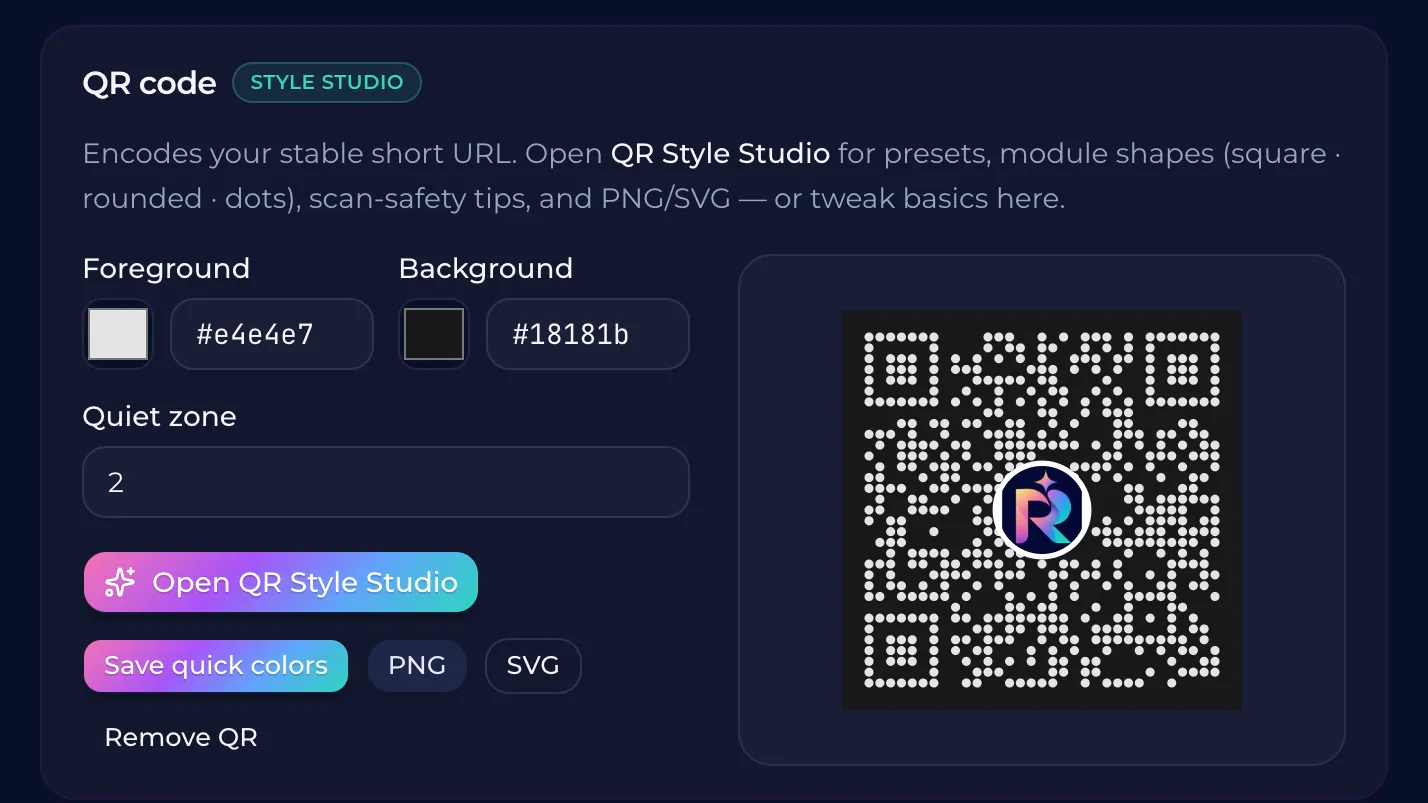
Most free QR code generators create static codes. These codes are simple links that cannot be changed once printed. If you make a mistake or need to update a promotion, the printed material becomes useless. A dynamic QR code allows you to change the destination of the link while the physical code remains the same. Most platforms charge for the analytics features that track scans. QURL provides a1,000 scan count and a seven-day window of scan data on its free plan. The code continues to redirect users to the correct destination even after the scan count reaches its limit. This allows you to see how many people are interacting with your marketing materials without a paywall for the basic tracking. Choosing a dynamic code means you can track engagement. You can see the date, time, and device type of each scan. This data helps you understand which physical locations or time periods are most effective for your campaigns. If you need a longer history of scan data or a higher count, the paid tiers offer more extensive tracking.
Understanding the 1,000 Scan Limit
A scan count cap means the link still works, but the tracking stops. On the free plan, QURL tracks up to 1,000 scans. After that, the QR code continues to redirect your customers to the right page. The system simply stops counting new scans beyond that limit. Most free tools stop the redirect after a limit is told. QURL keeps the link active. This ensures your printed materials stay functional even if your campaign succeeds beyond your initial expectations. If you need to track every scan for a high-volume campaign, the paid plans offer unlimited counting and longer analytics windows. This allows you to see exactly how many people are interacting with your physical marketing.
Choosing a Platform for Long-Term Growth
Most free QR generators create static codes. These codes are permanent. If you change your website link or realize a typo exists in the printed material, the code becomes useless. You have to reprint everything. QURL offers a dynamic QR code on its free plan. This means the destination can be changed after the code is printed. You can update your link without replacing your physical signs or flyers. While the free plan has specific limits on scan counting and analytics history, the core functionality remains. The QR code itself stays active and continues to redirect users to the correct destination even after the count reaches its limit. This provides a foundation for your marketing efforts.
How to Use QURL for Free
You can create three dynamic QR codes and smart links on the free plan. These codes stay active even after you print them, allowing you to change the destination link whenever you need. This flexibility is rare for free tools because most providers only offer static codes that cannot be changed once printed. Your scans are tracked for a seven-day window. The system counts up to 1,000 scans, and the link continues to redirect even after that count is reached. If you need a longer history or more scans, the paid plans offer more data and higher limits. QURL provides these features without requiring a card to start. You can manage your links and see your scan data in a sense of a dashboard. The platform is designed to offer a basic starting point for useful analytics and dynamic capabilities.
Common questions
- Is there a free QR code generator with analytics?
- Most free QR generators provide a static code that cannot be changed once printed. QURL offers a free plan that includes dynamic QR codes with a scan count up to 1,000, and a 7-day window for viewing scan data. The code continues to redirect even after the scan count reaches its limit.
- Can I change the link in a QR code after it is printed?
- Yes, you can change the destination of a QR code after it is printed because QURL uses dynamic QR codes. This means the printed code stays the same while the link it points to can be updated at any time.
- What information is included in the scan analytics?
- QURL records the device type, approximate location, and time of scan. It does not identify individual users or provide personal information.
- How many scans can a free plan track?
- The Qurl free plan tracks up to 1,000 scans. After this limit is reached, the QR code continues to redirect users to your chosen destination, but the tracking count stops.
Keep reading
- Free Dynamic QR Codes: Why Most Free Codes Are NotLearn the difference between static and dynamic QR codes and how to find a platform that allows you to change the destination of a printed QR code.
- How to give an AI assistant API access safelyLearn how to use scoped API keys and read-only permissions to grant AI assistants access to your data without compromising your account security.
- How to Connect an MCP Server for Link AnalyticsLearn how to connect an MCP server to your analytics dashboard to query your QR code and link data using natural language. This allows you to analyze multiple codes at once and get insights without manually navigating a dashboard.