
How to Create a QR Code Menu That Can Be Updated
Learn how to use dynamic QR codes to keep your restaurant's menu current without reprinting table cards or signage.

Why Dynamic QR Codes Are Necessary for Menus
A menu is printed and placed on every table in your restaurant. A guest asks for a specific dish that is no longer available or has a different price today. You cannot physically change every card at once. If you use a static link, the only way to fix this error is to reprint and replace all of your physical materials. A dynamic QR code allows you to keep the printed code on the table while changing the destination link in your dashboard. When a guest scans the code, they are taken to the correct page every time. This means that if a price changes or a seasonal item disappears, you only update the digital file behind the card. The physical items stay exactly as they were printed.
Updating Your Menu Link Without Reprinting
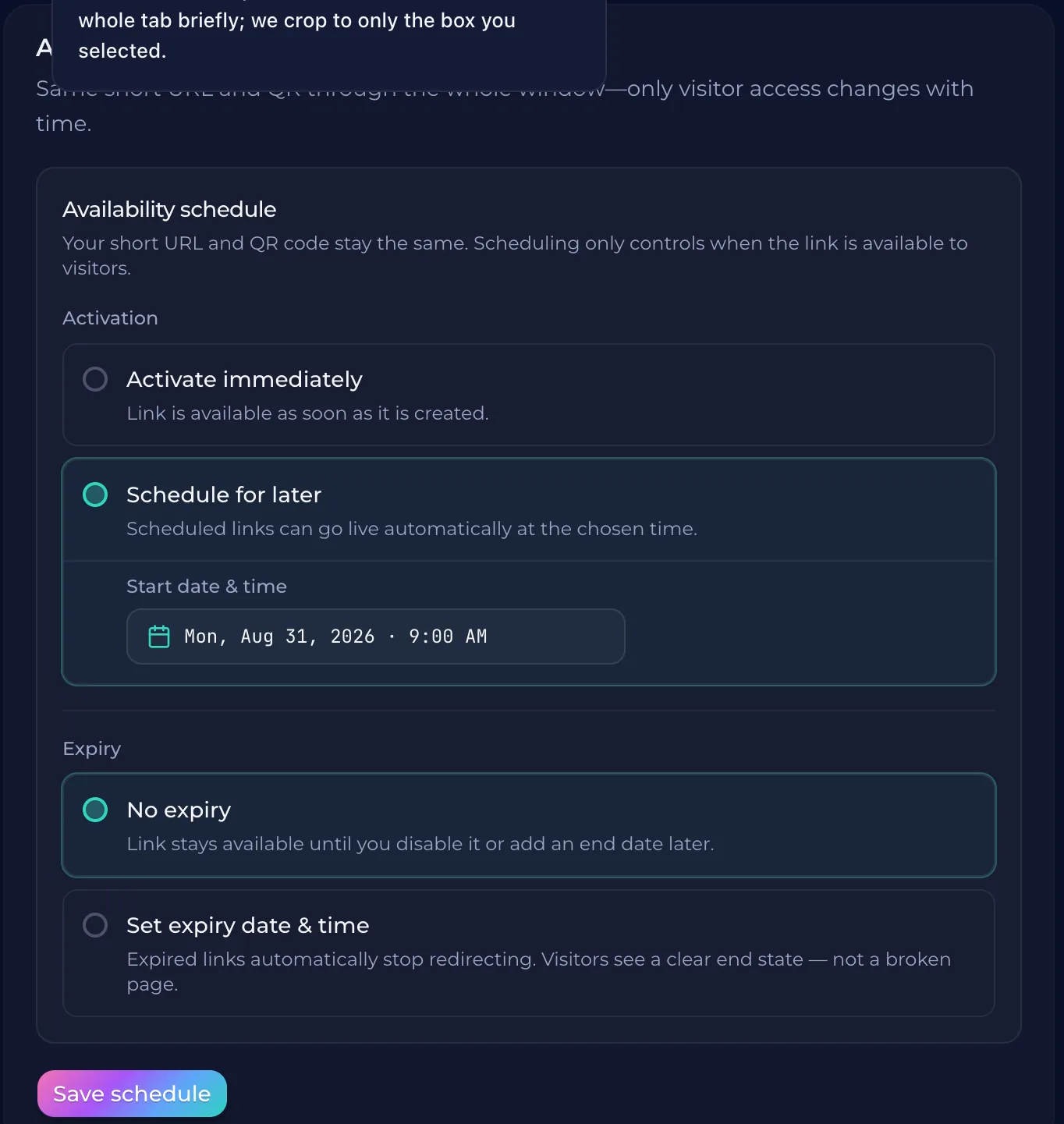
A printed menu card sits on a table. A dish is out of stock or a price has changed. If you use a static QR code, that link is permanent. You would have to replace every physical card in your restaurant. QURL provides dynamic QR codes. The code stays the same on the paper, but the destination can be changed in the dashboard. When a guest scans the code, they are taken to the new page you just updated. This means you never have to reprint your marketing materials or table cards.
Managing Seasonal Changes and Price Adjustments
Prices change. Ingredients become unavailable. A seasonal menu might run for three months before a new one takes over. If you print a static QR code on your table cards, every update requires a new printing job. A dynamic QR code allows you to swap the destination link while the physical card stays on the table. You can point the same code to a different digital menu or a specific landing page for the summer season. This means your printed materials remain useful throughout the year. When a price adjustment happens, you are not forced to choose between an outdated menu and a cost-heavy reprint. You update the link in your dashboard. The customer scans the code and sees the current price list. Your physical assets stay put while your digital content stays current.
How to Track Engagement with Scan Data
A scan is more than just a number on a dashboard. It tells you which tables are most active and what time of day your guests are looking at the menu. You can see if a specific promotion or special is getting attention, helping you decide where to focus your marketing efforts. Knowing when people scan the code during a peak rush versus an off-peak hour helps you plan staffing. If one particular table card shows high engagement, you' use find out which items are being viewed most often. You can adjust your inventory and prep work based on these patterns.
Common questions
- Can I change the link of a printed QR code?
- Yes, you can change the destination of a printed QR code using dynamic QR technology. Instead of printing a static link, you print a code that points to a managed URL, which allows you to update the underlying link without ever changing the physical print.
- How often should I update my menu online?
- Update your digital menu as often as needed to reflect current pricing, seasonal specials, and item availability. Since a dynamic QR code remains the same on your physical table cards, you can change the underlying link without needing to reprint any materials.
- Is it better to use a static or dynamic QR code?
- Dynamic QR codes are better for menus because they allow you to update the destination link without reprinting your table cards. If a price changes or a seasonal item is added, you can edit the link in the dashboard instead of printing new materials.
- What information can be scanned from a menu QR code?
- A scan of a menu QR code typically provides the customer's device type and a general location, along with the time of the scan. It does not identify who the individual person is.
Keep reading
- How to Manage a Limited-Time Offer with a QR CodeLearn how to use dynamic QR codes to keep a printed QR code active while changing the destination link for time-sensitive promotions.
- How to Put a QR Code on a Business Card That Stays UsefulLearn how to use dynamic QR codes to ensure your business card's link remains active even if your role, website, or contact information changes.
- Dynamic QR Codes for Product PackagingLearn how to use dynamic QR codes to ensure your product packaging remains relevant and updated even after it is printed and distributed.