
How to Keep Opening Hours Updated Everywhere
Learn how to use a single editable link to keep your business hours across print, web, and social media consistent.

How to Sync Opening Hours Across All Platforms
A customer walks up to your door at 8:00 PM. They see your hours on a sign, but the door is locked. This happens when your physical signs and online listings are out of sync. When you update your website, the printed materials often stay the same, creating a disconnect that frustes customers and leads to lost sales. A dynamic link acts as a bridge. Instead of printing a direct link to a specific page, you can use a single link that points to a standard landing page. This page can host your current hours, and you can update the information on that page without changing the physical code or the printed material. When you change your hours for a holiday or a seasonal shift, you only need to update the content on the landing page. Every physical sign, business card, and digital listing will then show the correct information automatically. This ensures that your information remains accurate across every touchpoint.
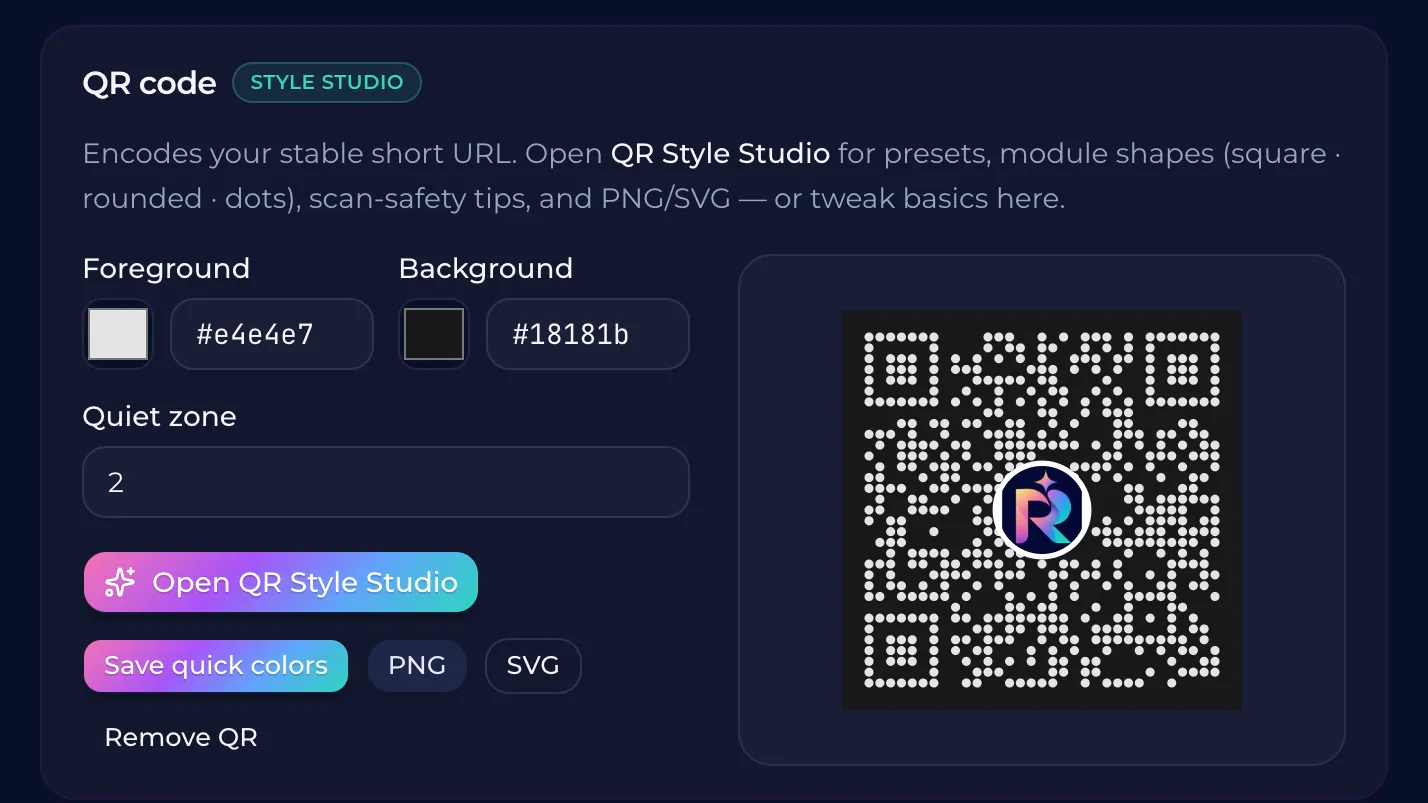
Using a Dynamic Link to Update Hours Instantly
A dynamic link acts as a middleman between your physical signage and your digital presence. Instead of printing a direct link to a specific page on your website, you point the QR code to a single, permanent link. This link leads to a landing page where you can update your hours at any time. When you change the hours on this page, the information is updated for everyone who scans the query, regardless of where they saw the original code. Your customers see the most current information because the link itself never changes. If you change your holiday schedule or a sudden shift in hours, you only need to update the content on the end page. You do not have to reprint your signs, flyers, or business cards. This ensures that your physical and digital platforms stay in sync without manual updates across every single touchpoint.
The Risk of Outdated Information on Physical Signage
A customer walks up to your door at 8:00 PM. They see a sign that says you are open, but the door is locked. They leave frustrated. This is a wasted trip and a lost sale. It happens because your physical signage and your digital presence are out of sync. A printed card or a flyer handed out in the town center might point to a dead link or an outdated schedule. If you have to change your hours, you cannot reprint every piece of paper. You need a way to update the information at the source without changing the physical item. Dynamic links allow you to change the destination of a QR code. You can print a QR code that leads to a landing page. When your hours change, you can update the link's destination on your dashboard. The physical sign stays the same, but the information the customer sees is always current.
Managing Multiple Locations with One Link
A customer finds a flyer for your cafe. They see a different set of hours for your downtown location versus your suburban branch. This inconsistency makes them hesitate. They might not show up at all. Instead of printing new flyers for every location, use one link that points to a single landing page. This page acts as a central hub. When you update the hours on that page, the change reflects for every customer who scans the code, regardless of which branch they visit. This approach keeps your information accurate across all locations. You manage one page to keep your brand consistent. You no longer need to have multiple versions of try to keep track of multiple versions of the information.
How to Create a Consistent Brand Experience
A customer finds a different set of hours on your door than on your website. This inconsistency creates a friction point. It makes them question if you are open or if your information is accurate. When they arrive and find the door locked, they lose trust in your brand. A single, central link behind a QR code allows you to manage your information in one place. You can update your hours on that page and it will reflect across every physical and digital touchpoint. This ensures that your brand remains consistent and reliable, no matter where the form of communication is. When your information is always correct, your brand feels professional and organized. You no longer have to worry about updating every single sign or printed card. One change in the dashboard makes the information correct for everyone.
Common questions
- Can I update my hours without reprinting my signs?
- You can update your hours by using a dynamic QR code that links to a single, central page. When you change the information on that page, the link remains the same, but the content updates instantly for everyone who scans the code. This means your printed signs and digital listings can stay consistent while your hours change.
- How do I manage multiple locations with one link?
- You can use a single dynamic link to host a landing page that directs users to location-specific information, like opening hours. This page can be updated instantly without changing the physical signs or printed materials. By using a platform like QURL, you can manage these updates in one place to keep your information consistent across all channels.
- Why is it important to have a consistent opening hours message?
- Inconsistent opening hours can lead to frustrated customers who arrive at a closed door. A consistent message ensures that your customers always know when you are open, regardless of which platform or printed material they are viewing.
- How do I ensure my customers see the current hours?
- To ensure customers see current hours, use a single, central link behind a QR code on your physical signage. When your hours change, update the link's destination in your dashboard instead of reprinting your signs. This keeps your information consistent across all platforms.
Keep reading
- How to Build a Landing Page Without a DeveloperLearn how to create a functional landing page using no-code tools and smart links. This guide explains when a no-code solution is fits your needs and when a custom site is necessary.
- Why a QR Code Should Land on an Editable PageA dynamic link between your QR code and final destination allows you to update the URL without reprinting materials. This prevents waste when links break or change.
- Better Link in Bio Alternatives for Small BusinessesLearn how a single editable link can serve as a central hub for both digital and physical marketing, replacing traditional link-in-bio tools.